Space Garden · 3 min read
Space Garden: Restore Your First Planet
Space Garden begins with a tiny traveler in a large field of damaged worlds. Instead of shooting a route through space, you restore a planet by feeding its surface nodes with your own energy. The first useful milestone is one revived planet: its bright atmosphere becomes a refuge that replenishes energy for the next journey.
Play Space GardenLeave the opening carefully
Click the game to prepare its sound, then press and release W or the Up arrow through the opening screens. In space, Left, A, or Q turns left, and Right or D turns right. Up, W, or Z applies forward thrust; Down or S applies reverse thrust. Short inputs are easier to control than a long burst because the traveler keeps drifting after you release thrust.
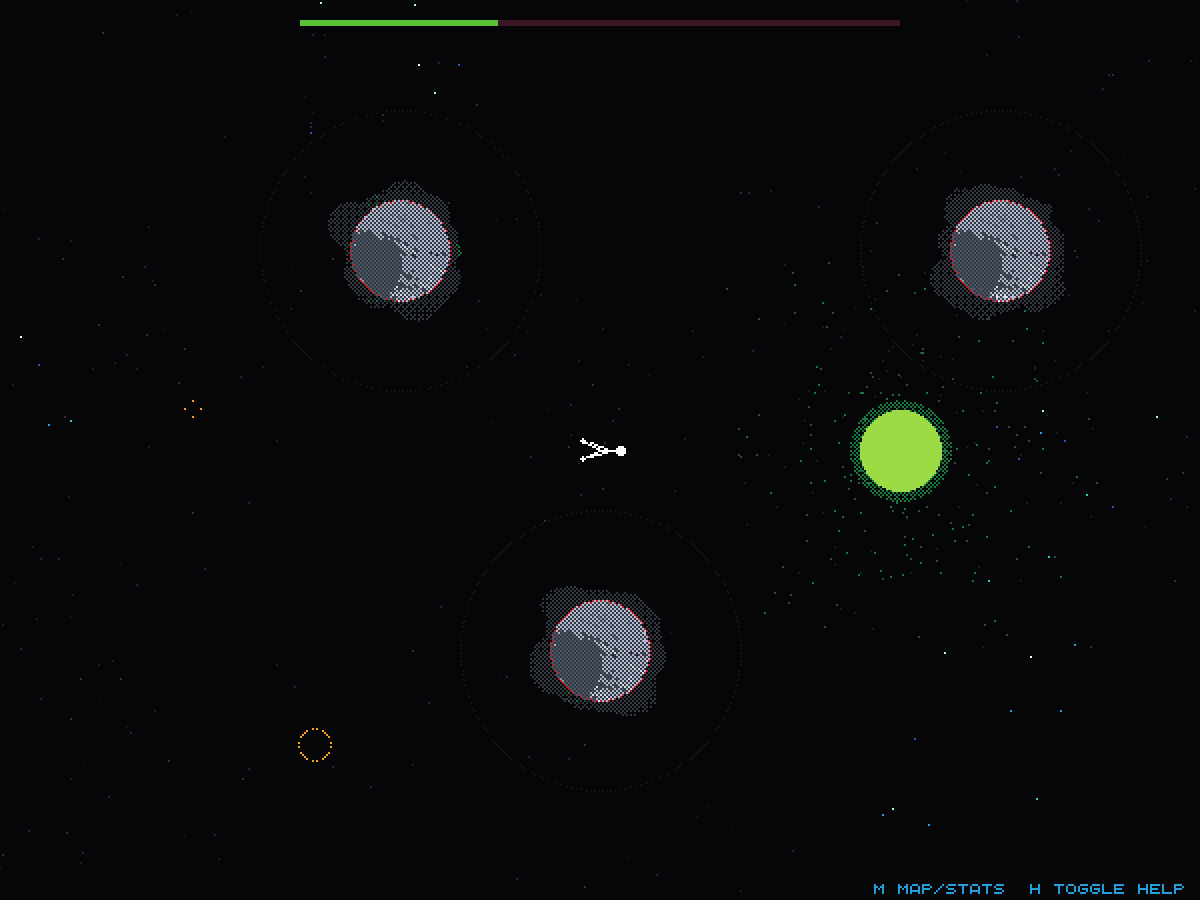
Look for the small gray planet directly below the starting area. It is closer and simpler than the large worlds farther out, and it has no harvesting enemies in the tutorial layout. Turn roughly a quarter turn toward it, then give a short forward burst. Once you enter its gravity field, let gravity pull you toward the surface instead of continually accelerating past it.
Let proximity fill the nodes
A damaged planet has separate bright nodes around its circumference. Get close and energy transfers automatically: there is no collection or repair button to hold. The node expands as it fills. Each completed node reduces the remaining work, and all nodes must be filled before the planet changes to its restored appearance.
Your movement changes near a planet. Gravity aligns your body away from its center, and Left or Right moves around the surface when you are touching it. Up can push you off the ground. For the small tutorial planet, the nodes are close together; landing near them can charge several without a long walk. Keep your energy bar in view while they fill.
Use the restored world as a base
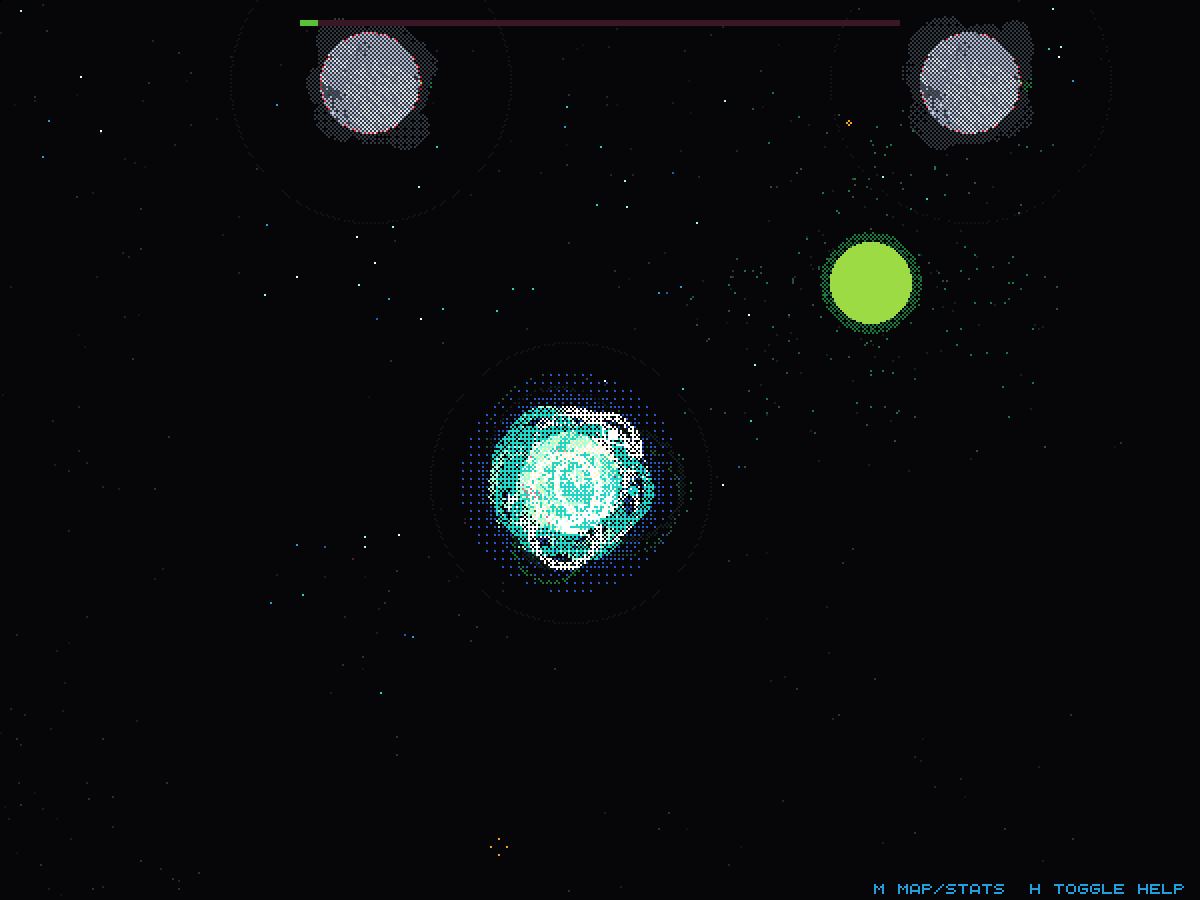
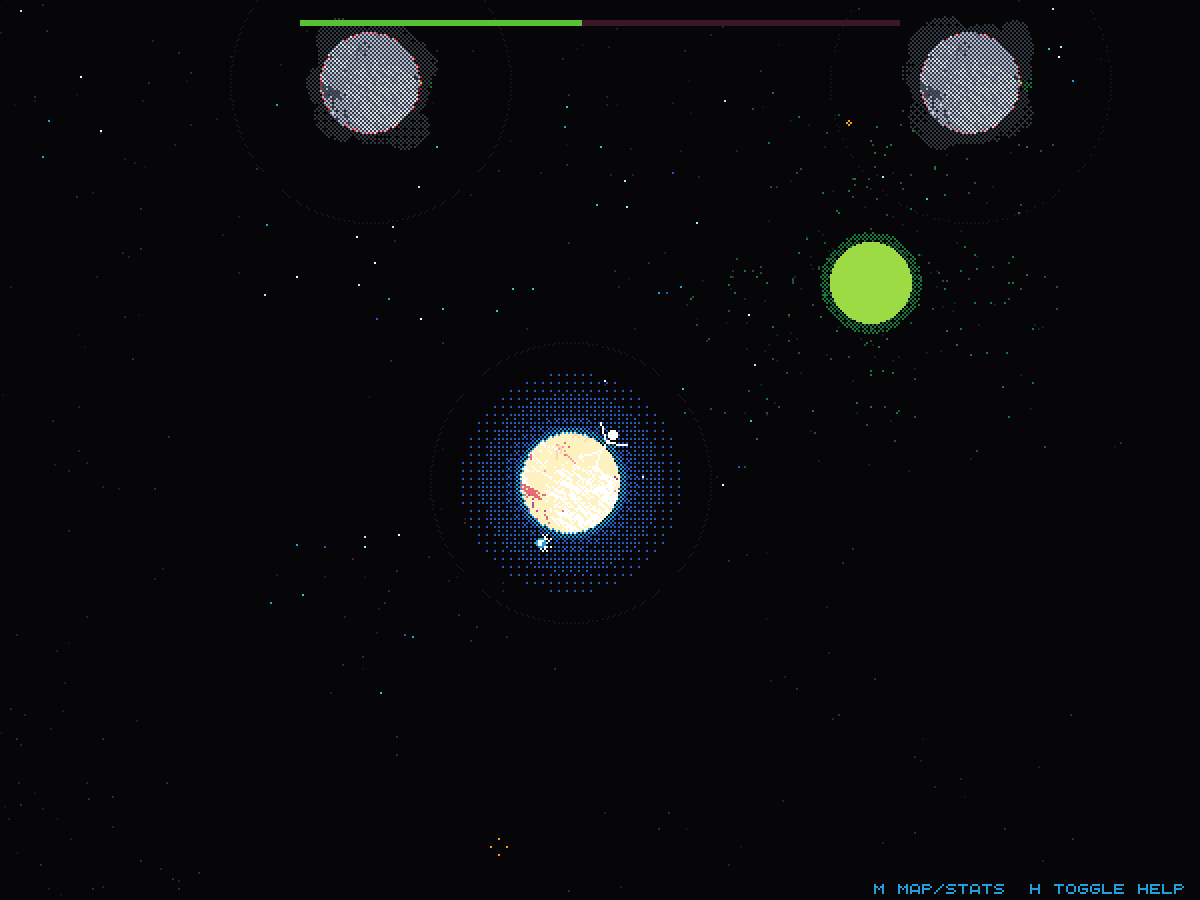
Restoration clears the gray disease, produces a bright halo, and releases a small companion spirit. Stay nearby after the celebration. A completed planet returns energy to you, which makes it a practical departure point rather than just a completed collectible. In this run, the remaining energy was very low immediately after filling the nodes, then rose again while the traveler stayed beside the revived planet.
Green energy rocks are another source of fuel. Approach them to absorb their energy automatically. Filling nodes costs far more than simply waiting, so a large unexplored planet can exhaust an unprepared traveler. Refill first, then choose the next nearby destination. Harvesters on later worlds can drain energy too; the quiet tutorial planets are better places to learn movement.
Quick tips
- Release thrust early and use gravity to finish an approach.
- Watch the energy bar while several nodes are charging together.
- Wait beside a completed planet before launching toward a harder one.