2048 · 3 min read
2048 Guide: Make Space for Your Next Merge
2048 gives you a small board and a long chain of decisions. Slide matching numbers together to build larger tiles, with 2048 as the main target. A useful first milestone is a tidy board containing a 64 or 128, rather than a high score surrounded by trapped pieces. There is no countdown, so pause between moves and inspect what the whole board will do.
Play 2048Understand what one move does
Use the arrow keys to slide every tile as far as possible in that direction. WASD and HJKL also work; on a touchscreen, swipe across the board. Equal tiles combine when the move brings them together: two 2s make a 4, and two 4s make an 8. Each resulting value adds to your score.
A newly merged tile cannot merge again during that same move. For example, a row of 2, 2, 2, 2 becomes 4, 4 when pushed left, rather than becoming an 8 immediately. After a move actually changes the board, a new 2 or 4 appears in an empty cell. An ineffective direction does not add a tile.
Give the opening a simple shape
The opening contains two random tiles, so there is no fixed first move that fits every game. Look for a direction that brings equal numbers together or groups the small numbers along one edge. Choose a corner for your largest tile and build smaller values beside it.
- Inspect the two starting values before pressing a direction.
- Make an available merge, then check where the new tile appeared.
- Keep an empty lane beside your growing group so you can bring future pairs together.
Protect space as the numbers grow
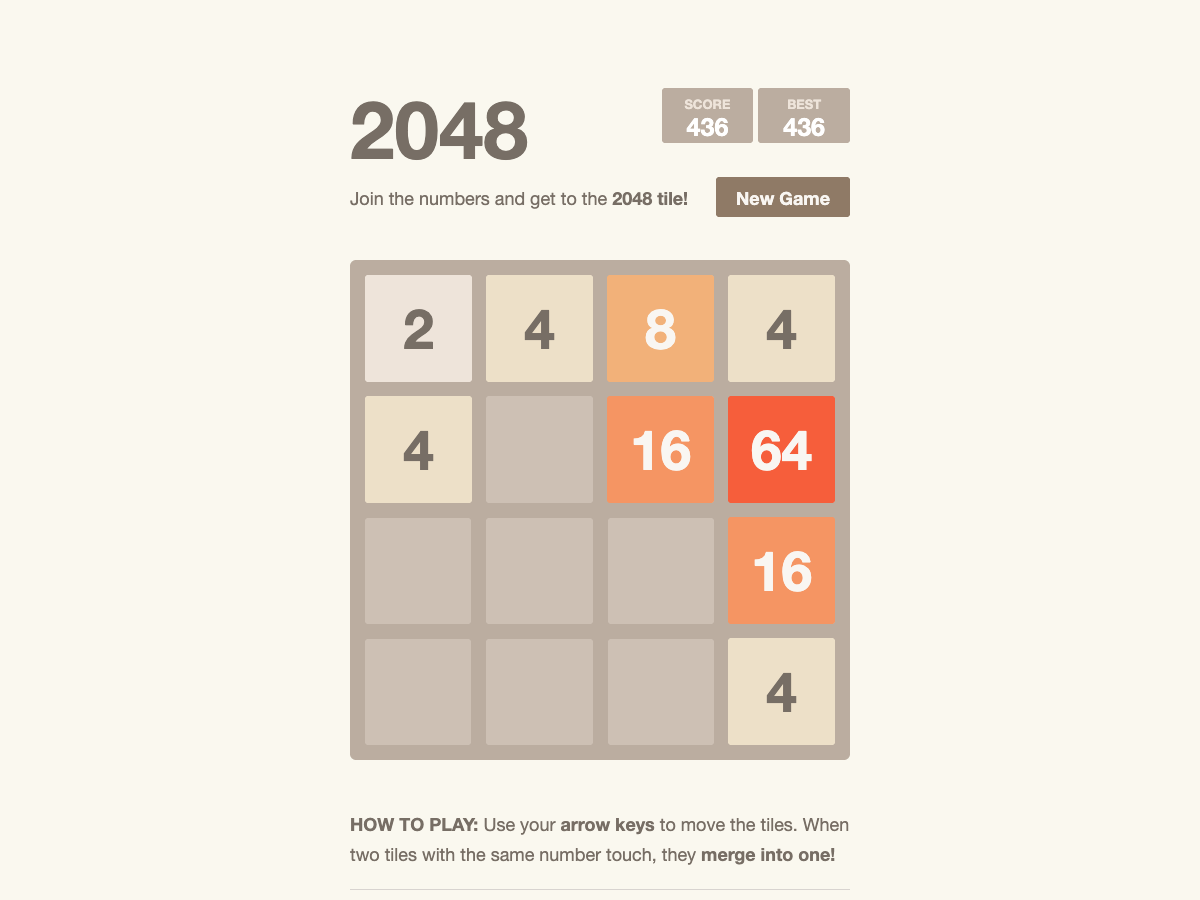
Think about the move after the obvious merge. A small merge that opens several cells may be more useful than a large merge that leaves the board packed. Try to keep your largest values together along the same edge, with smaller values feeding toward them.
Avoid cycling through all four directions without looking. That can pull an established large tile away from its corner and scatter matching values across the board. If you must change direction, identify the pair or empty lane you are trying to create first. A corner plan helps you organise decisions; it does not guarantee a win.
Know when a round has ended
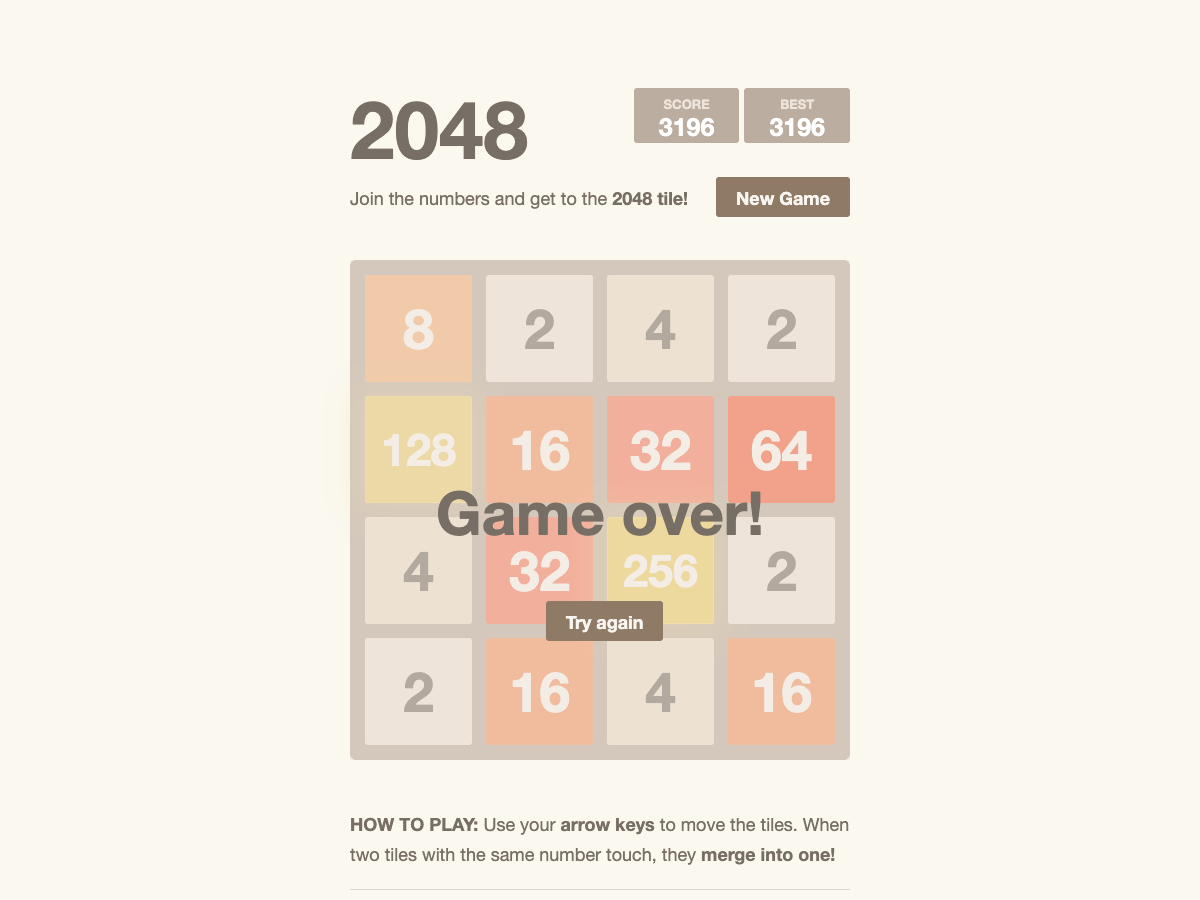
Game Over means the board has no empty cells and no adjacent equal values left to combine. The finished board shown here reached a 256 tile and 3,196 points, but the remaining values could no longer move into useful pairs. A high score alone does not mean the 2048 target has been reached.
When you create a 2048 tile, the game offers Keep going if you want to continue building beyond the target.
Restart and return later
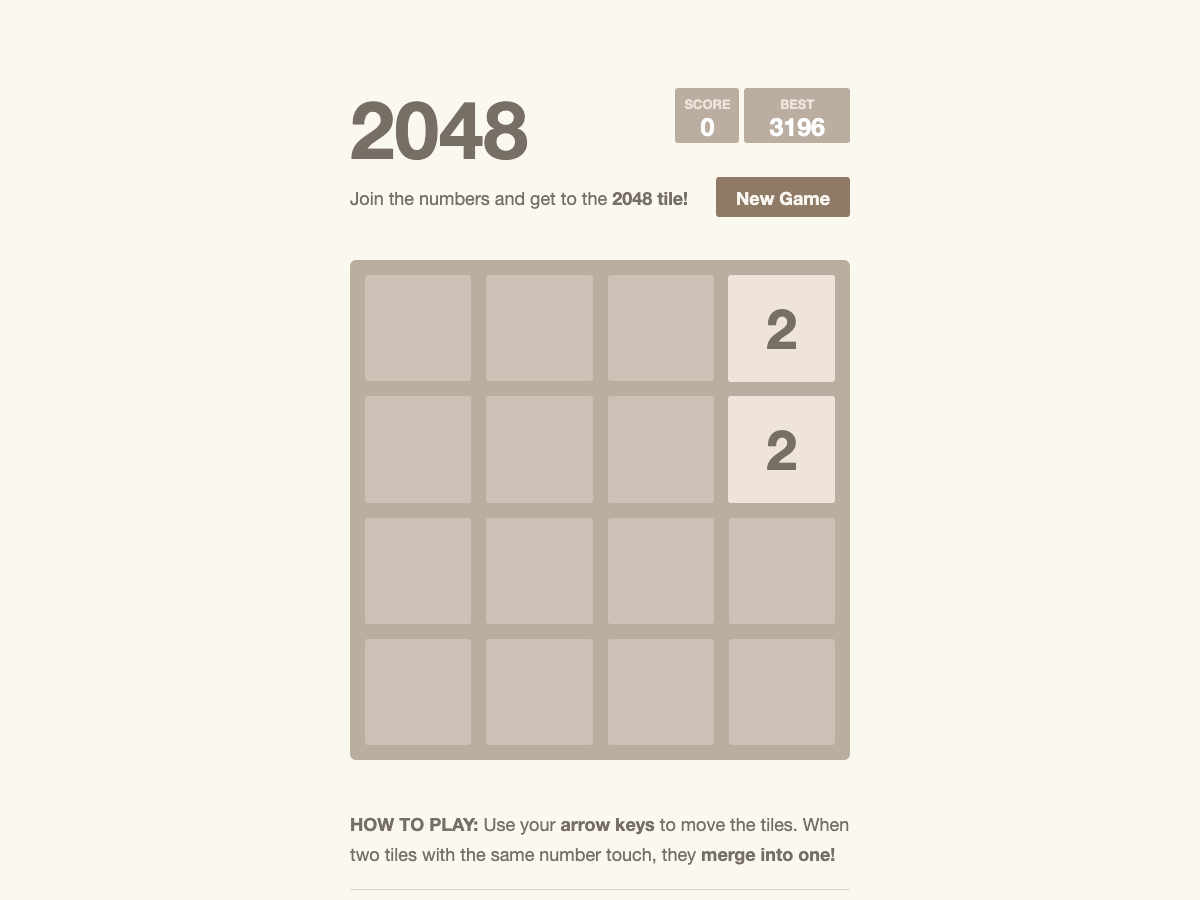
Choose Try again after Game Over, choose New Game during play, or press R to begin a fresh board. Restarting clears the current score and tiles while keeping the best score. Your unfinished board and best score are saved in the same browser when local storage is available; clearing browser data removes that record.
Quick tips
- Count empty cells before choosing between two attractive merges.
- Keep matching small tiles close enough to feed the same growing group.
- Use the absence of a timer: one considered move is better than several automatic ones.