Bicycle JS · 4 min read
Bicycle JS: Desktop Controls, Steering, and Exploration Basics
Bicycle JS is an open-ended isometric bicycle game rather than a race with a formal finish screen. The reviewed QuestHub build is a desktop experience controlled by keyboard, so the useful first goal is simply to become comfortable with movement and the angled view. Once the opening screen is out of the way, you can ride around the course, choose routes, and practice smooth corrections. There is no need to chase a score or lap counter. Treat the first few minutes as exploration: learn how the bicycle responds, notice how the course is drawn from an isometric perspective, and make deliberate changes instead of holding a direction for too long.
Play Bicycle JSStart with short keyboard inputs
Bicycle JS is certified for desktop Chrome with keyboard input. After the opening state is dismissed, use the arrow keys to control the bicycle. Begin with brief inputs so you can see how movement maps onto the isometric scene. Because the camera is angled, a turn can look more dramatic on screen than it would in a straight top-down game. Short presses make that relationship easier to learn before you start holding a direction for longer stretches.
The game is intentionally open-ended in this reviewed build. You are not waiting for a race countdown, a lap total, or a victory banner. Your immediate feedback is the bicycle itself: whether it is moving where you intended and whether your next steering correction keeps you on a readable route. If you lose your sense of direction, stop making large corrections and re-establish a simple line before continuing.
Read the isometric course before turning
The isometric presentation gives Bicycle JS its distinctive look, but it also changes how you read space. Look ahead at the visible path and decide where you want the bicycle to be after the next correction. Instead of reacting at the last possible moment, begin a turn while there is still room to adjust. This is especially helpful when the route changes direction or when nearby scenery makes the path feel narrower than it is.
A useful habit is to alternate between movement and observation. Ride a short segment, check the bicycle's new position, then decide whether the next input should continue the same line or alter it. The course is suited to exploration, so there is no penalty for slowing your decision process. The goal of the first session is control and orientation, not speed.
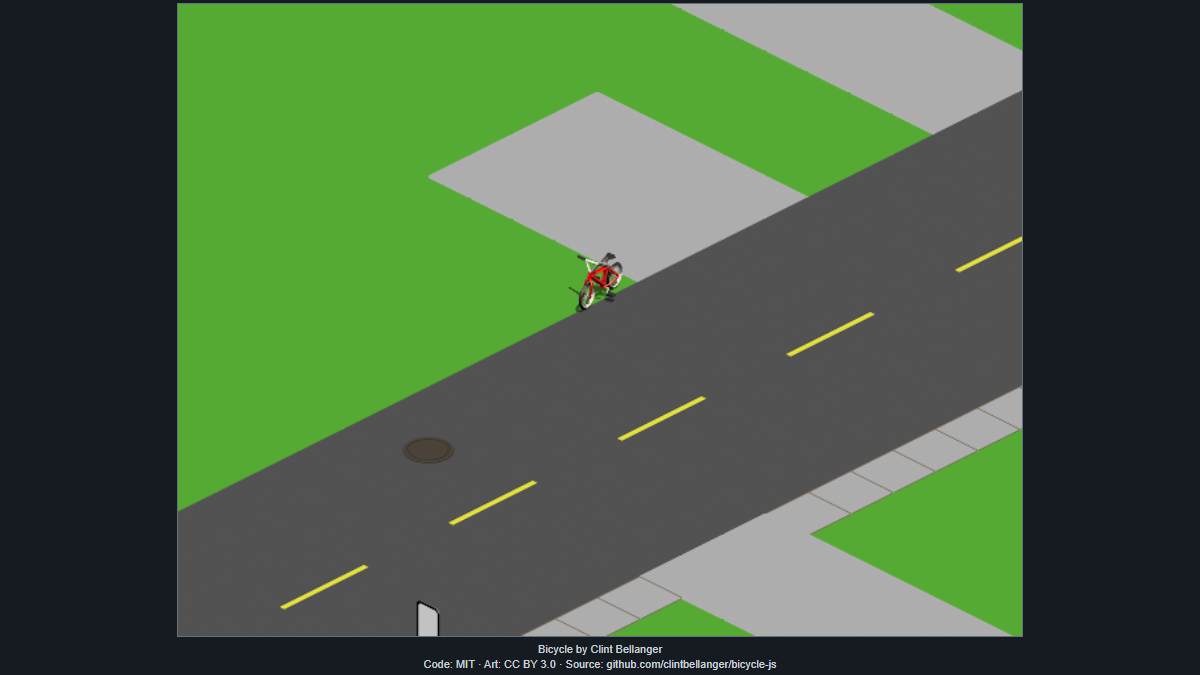
Prefer gentle corrections over oversteering
Once the bicycle is moving, avoid stacking several long direction inputs without checking the result. A small correction followed by a short straight section is easier to recover from than an aggressive turn that sends you across the route. If you notice yourself oscillating from one side to the other, reduce the duration of each steering input and give the bicycle time to settle into a clearer line.
This style of control also makes exploration more deliberate. You can choose to follow a visible route, inspect a different part of the scene, or simply practice holding a stable line. Since this build exposes no formal endpoint, there is no reason to force a risky maneuver just to progress. Smooth input is the most useful skill to build first.
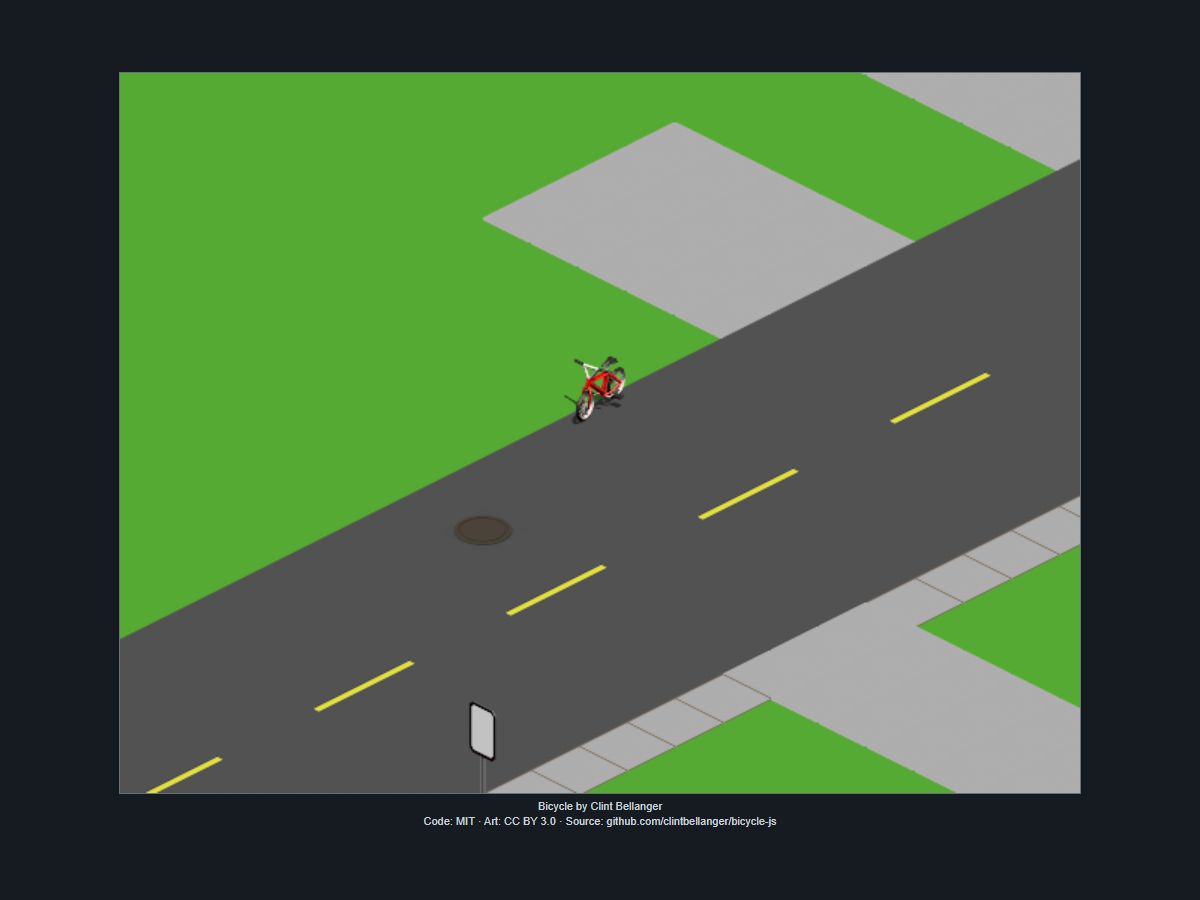
Know what this reviewed build does and does not promise
QuestHub currently certifies Bicycle JS for desktop Chrome and keyboard controls. Mobile and touch support are not certified, so a phone or tablet should not be treated as a supported target even if a browser can technically open the page. The runtime is self-hosted, uses no reviewed external network connection, and runs inside the same sandbox policy used by the approved build.
The game also does not provide a formal score result, race result, multiplayer mode, or finish transition in the reviewed runtime. Those absences matter when setting expectations: this is best approached as a lightweight riding and exploration experience. If you want to compare sessions, use your own route or control goal rather than expecting the game to record a competitive result for you.
Quick tips
- Use short arrow-key presses until the isometric direction mapping feels natural.
- Plan one visible section of the route at a time instead of making several large corrections in advance.
- Treat Bicycle JS as desktop keyboard exploration; do not rely on uncertified mobile or touch controls.