Realmspan · 5 min read
Realmspan Beginner Guide: Expand Safely and Manage a Local Match
Realmspan is a modified, unofficial local single-player edition based on the open-source OpenFront project. The reviewed QuestHub build runs under /games/realmspan/, does not require an OpenFront account or multiplayer server, and keeps the large-map territory, troop, gold, and building systems. A good first run is less about learning every advanced unit and more about understanding how much force to commit, how to keep a reserve, and how to read the map before several computer-controlled rivals reach your border.
Play RealmspanStart with a simple local setup
Select Play Solo and choose a familiar map, a lower difficulty, and a manageable bot count while learning. The reviewed Preview regression used World, Easy, 10 bots, random spawn, instant build, infinite gold, and infinite troops because those settings make technical verification repeatable; you do not need the infinite-resource options for normal play. Random spawn can choose your starting location automatically, while the standard flow can ask you to choose a spawn.
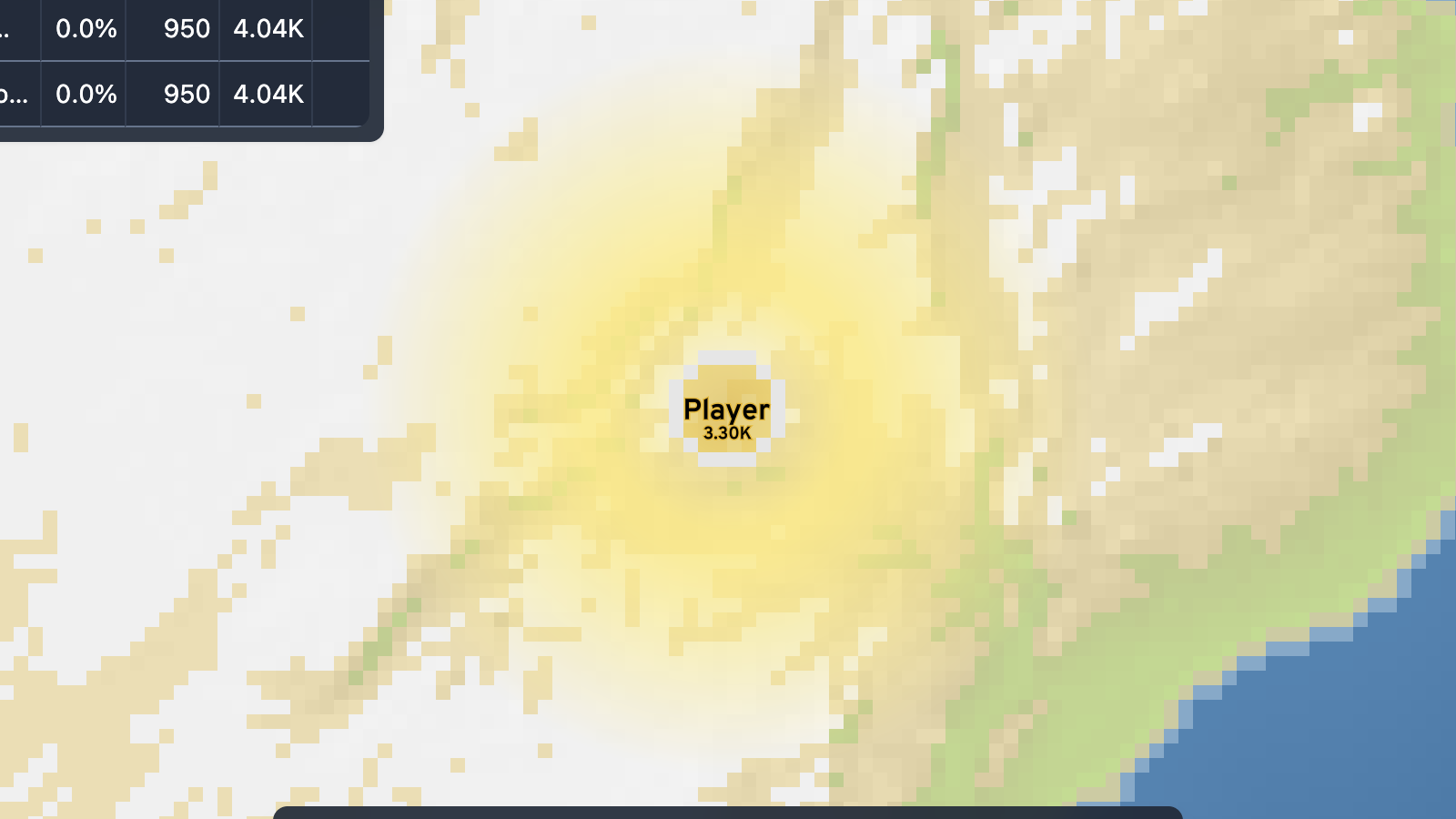
Once the match opens, identify your own colored territory and the nearby neutral land before issuing several commands. The map can become busy quickly, so establish where your border is, where neighboring factions are, and which direction offers room to grow. Realmspan is desktop-verified in Chrome; physical mobile play is not claimed.
Control how many troops you send
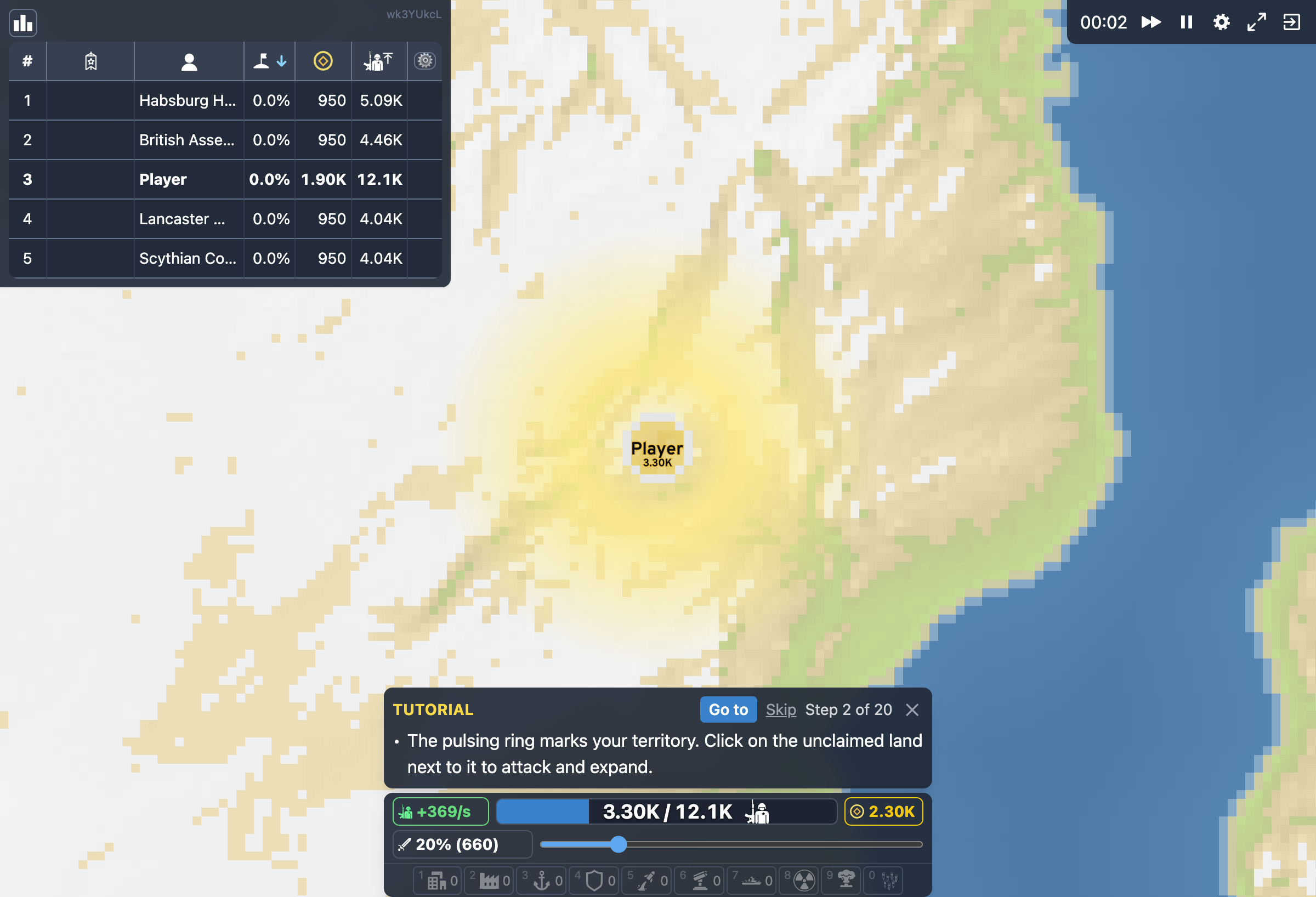
The built-in help describes the attack-ratio bar as the control that determines how many of your troops are sent with each attack. Treat that setting as a risk control rather than a speed control. A very high ratio can take territory faster, but it can also leave your existing border with too little strength if another faction attacks from a different direction.
For an opening expansion, use a moderate ratio and watch how your troop total changes as an attack moves. Increase commitment when a target clearly requires more force; reduce it when you are only taking nearby neutral ground or probing a border. The default key bindings also provide T and Y for attack-ratio down and up, while the visible slider gives you a direct way to inspect the current setting.
- Pick one nearby expansion direction instead of attacking every border.
- Set a moderate attack ratio and launch a single attack.
- Watch your remaining troops before committing again.
- Raise the ratio only when the next target justifies the extra exposure.
Use pause, speed, and camera tools
Single-player Realmspan includes controls that make a large map easier to learn. The default bindings use WASD to move the camera, Q and E to zoom out and in, C to center the camera, and P to pause or resume the game. Comma and period decrease or increase single-player game speed. These are especially useful when several borders, structures, or attacks are visible at the same time.
Pause when you need to read the situation rather than issuing rushed commands. Zoom out to understand the larger front, then zoom back in before selecting a specific border or structure. Faster game speed is useful after you understand the current position; slowing down is more useful while learning how troop movement, income, and enemy pressure interact.
Add buildings when they solve a real problem
The in-game help documents several building roles. Cities increase maximum population, which matters when territory growth alone no longer gives enough room for more population. Defense Posts strengthen nearby borders, slowing enemy attacks and increasing their casualties. Factories create rail links to nearby compatible buildings and generate gold when trains visit them, while Ports can support trade and are required for Warships.
For a first match, do not try to place every structure as soon as it becomes available. Expand first, then use a structure to answer a visible constraint: population cap, a vulnerable border, or the need for a stronger economy. This keeps gold and attention available for the part of the map that currently matters. Advanced missiles, naval units, alliances, and other systems can wait until the basic land-and-resource loop feels predictable.
Finish the match with a reserve
As neutral space disappears, expansion becomes conflict with other factions. This is where the same attack-ratio discipline matters most. A border that looks quiet can become dangerous after you send most of your troops elsewhere, and a second enemy can exploit an attack that was safe against only one opponent. Keep checking the wider map, not only the territory you are currently trying to take.
Realmspan's local result path produces a discrete Victory or Defeat ending for QuestHub without attaching account or identity data. If a run ends badly, restart with one adjustment instead of changing everything at once: lower your usual attack ratio, defend one exposed border earlier, or spend more time paused while reading the map. That makes the next run useful practice rather than a completely different experiment.
Quick tips
- Use the attack ratio as a reserve-management tool; sending more troops is not automatically safer.
- Pause and zoom out before opening a second front.
- Build for a specific need—population, defense, or economy—rather than filling the map with structures immediately.