Realmspan
Run complete
Realmspan result
Highlights
Gameplay started.
Use the keyboard and mouse controls shown below.
Realmspan · Same-seed comparison
Compare both runs
View full run details
Reference run
Highlights
Your run
Highlights
This is a factual comparison with an anonymous, client-submitted snapshot. It is not a verified score or global ranking.
How to play
How to play Realmspan
Controls
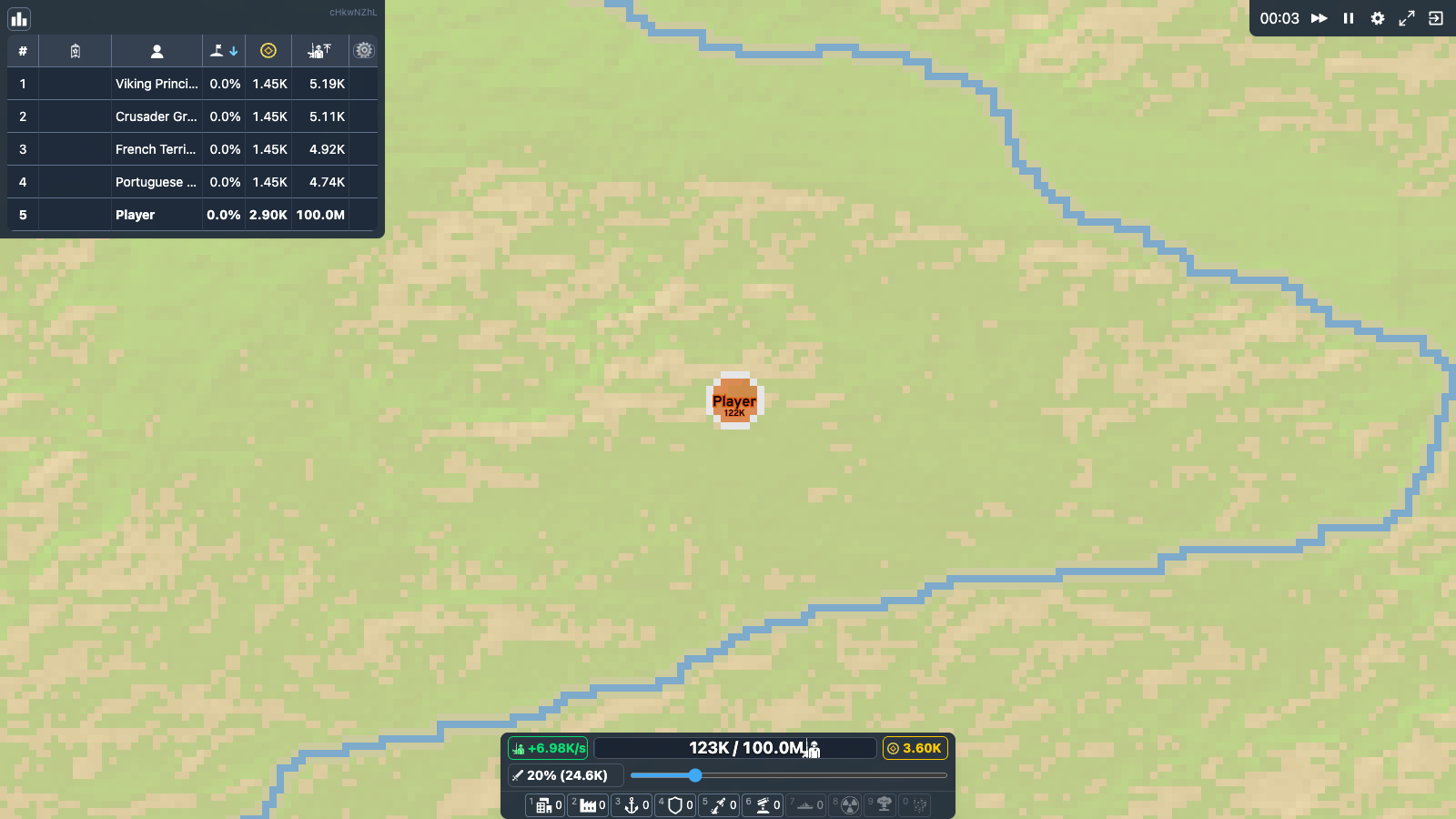
- Use the mouse to interact with the map and HUD. The attack-ratio control sets how many of your available troops are committed when you launch an attack.
- Move the camera with WASD, zoom with Q and E, pause or resume with P, and use comma/period to reduce or increase single-player game speed.
Goal
Choose a local match setup, establish territory, expand through neutral land, attack rival factions, and keep enough troops and resources in reserve to survive until the match reaches a victory or defeat ending.
About
About Realmspan
Realmspan is a modified, unofficial local single-player territory strategy game based on the open-source OpenFront project. It keeps the large map, troop, economy, and building systems while removing the account and multiplayer service dependency.
Play better
Quick tips
First move
After your spawn is selected, expand into nearby neutral territory with a moderate attack ratio instead of committing every troop at once.
Practical tip
Keep a reserve behind your border. The built-in help explains that Cities raise maximum population, Defense Posts strengthen nearby borders, and economic structures such as Factories and Ports can improve gold generation.
Game info
Game details
- Genre
- strategy
- Session
- medium
- Play on
- desktop
- Controls
- keyboard, mouse
QuestHub review
Checked before listing
Source, license, build, and device checks are recorded for this game.
- Source
- License
- Build
- Desktop
- Mobile
Verification & source detailsPlay-test notes, browser checks, source and license
Play-test note
Chrome 153 Runtime Preview checks covered the reviewed /games/realmspan/ subpath, local World/Easy play with 10 bots, Bridge v2 ready/first-input/result events, strict per-game CSP, isolated Web Storage, and zero external requests. Physical mobile hardware and other browser engines remain unverified.
QuestHub checks
- Source recorded
- License reviewed
- Build verified
- Network reviewed
- Desktop tested
- Mobile tested
- Last checked
- 2026-09-22
- Browser
- Google Chrome
- Play on
- desktop
- Controls
- keyboard, mouse
These checks describe the recorded build on the date above. Browser, device, or upstream changes can affect later behavior.
Source & license
- Original creator
- See upstream source
- Source repository
- https://github.com/oyjq0000/OpenFrontIO
- Pinned revision
b3a7e478b00b6ab0c902f9a1025939c54ba30023- Code license
- AGPL-3.0-only + OpenFront Section 7 terms
- Attribution required
- Yes
- Attribution
- Recorded in the source snapshot
- Asset review
- verified
- QuestHub changes
- Not listed in the current catalog
These technical details come from the pinned source snapshot used for this QuestHub build.
Keep playing
More like this
Games with similar genre, controls, session style, or mechanics.