Q1K3 · 3 min read
Q1K3: Survive the Opening Corridor
Q1K3 is a compact first-person shooter with two levels, hostile corridors, and weapons that demand different ranges and ammunition decisions. The opening puts you at one end of a passage with a shotgun and one hundred health. Use the first fight to learn how movement and aiming work together before charging deeper into the map.
Play Q1K3Take control before advancing
Click inside the game to capture the mouse. Move with WASD or the arrow keys and aim by moving the mouse. The mouse-speed slider beneath the view adjusts sensitivity, and the invert option reverses vertical look. Make a small aiming movement first so that your first enemy encounter is not also your first experiment with the camera.
Left click fires. Hold the button to keep firing at the weapon’s normal rate. Space or the right mouse button jumps. The right button is therefore a movement control, not an alternate attack. Use Escape when you need the pointer back for the surrounding page, then click the game again to resume captured aiming.
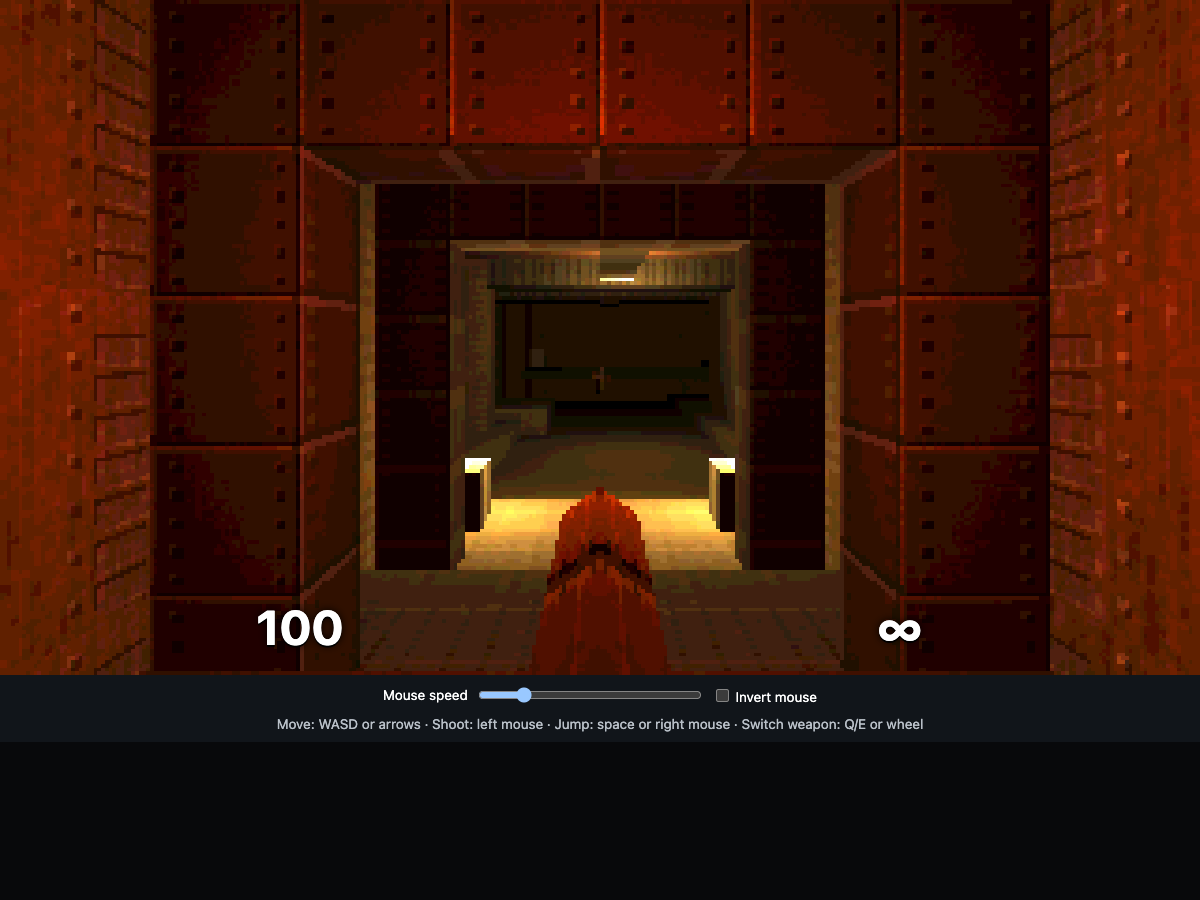
Fight the opening enemies with room to move
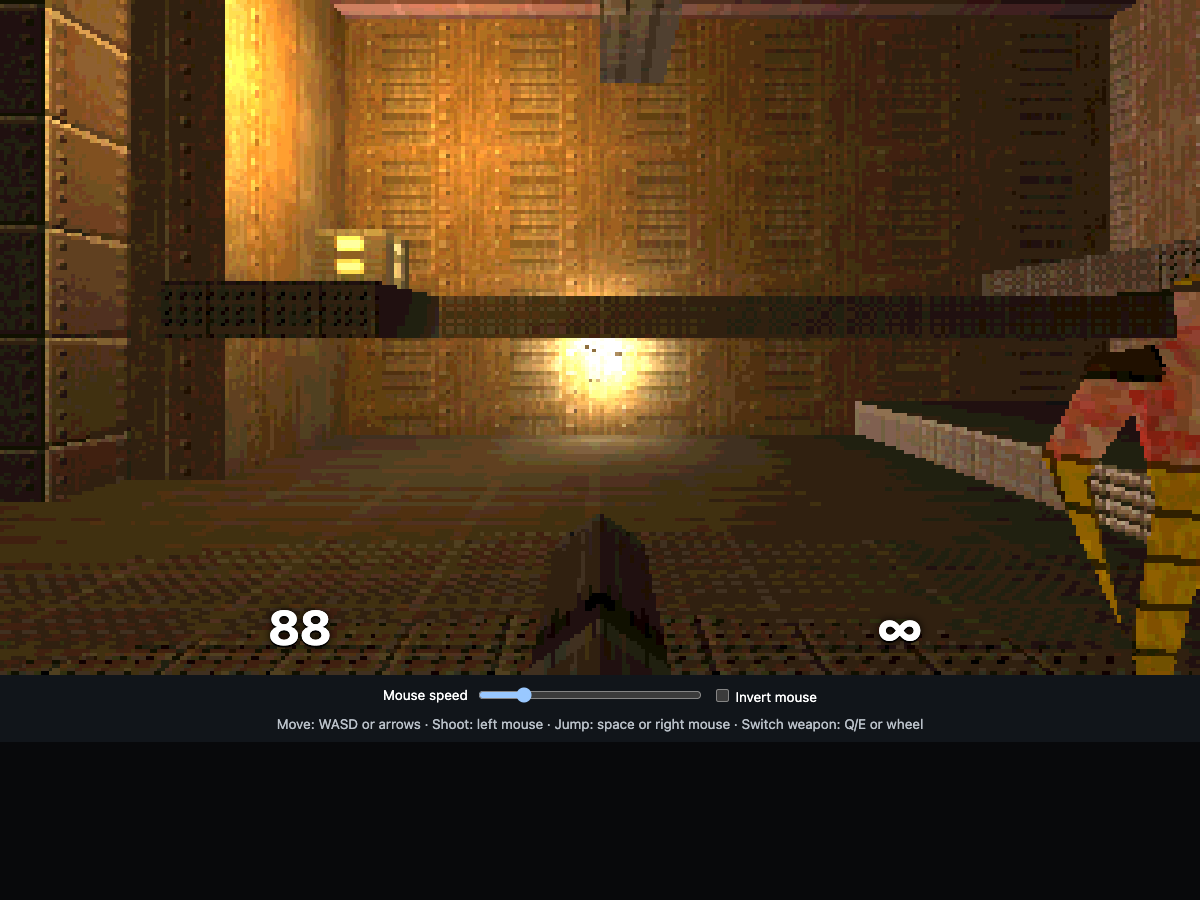
The first passage leads directly toward enemies. In this run, walking forward while firing reached the first fight with eighty-eight health remaining. The encounter quickly becomes dangerous if you stay still near the enemy rather than adjusting your position between shots. Watch both the health number and the target; a visible muzzle flash does not prove that your shot hit.
The starting shotgun has unlimited ammunition but a noticeable delay of about nine-tenths of a second between shots. Fire, move, and realign during that delay. Use the corridor geometry to limit how many enemies can see you at once, then step out for another shot. A corner can help break sight, but do not assume every corner is safe from every nearby enemy.
- Advance a short distance instead of running continuously through the opening.
- Turn toward the closest visible threat and fire.
- Strafe during the next-shot delay while maintaining space from the enemy.
- Check health before pushing into the next section.
Treat weapon changes as inventory choices
Q, E, or the mouse wheel cycles the weapons you have obtained. At the beginning, switching may appear to do nothing because the shotgun is the only owned weapon. Explore for the nailgun and grenade launcher before expecting a three-weapon selection.
The nailgun offers rapid fire with a finite ammunition supply; the grenade launcher also has limited ammunition and a slower rhythm. Keep the unlimited shotgun useful for routine fights rather than spending every special round immediately. Health pickups and safer lines through a room can matter more than rushing toward the next weapon. On the second map, a key is needed for locked doors. Doors respond to proximity; E remains a weapon-switch control.
Recognize defeat and the level objective
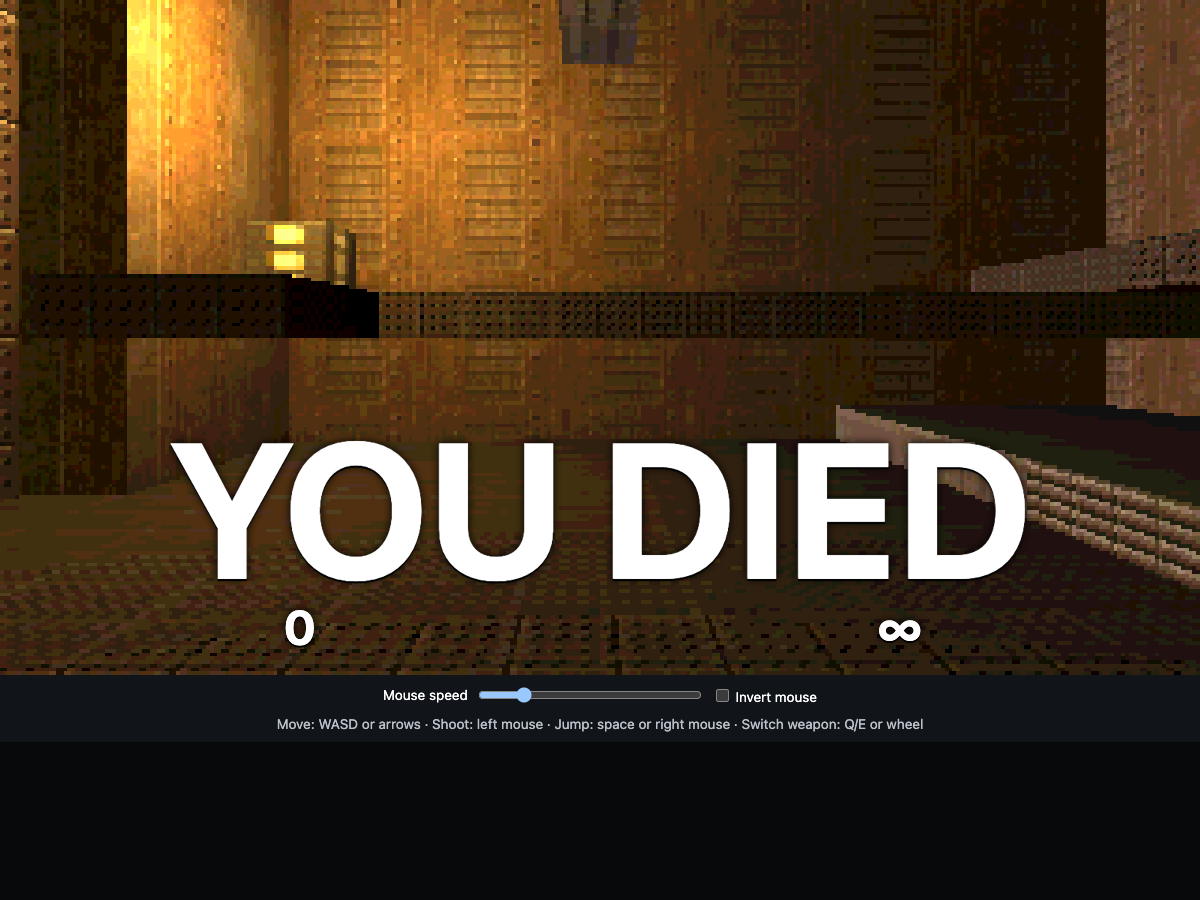
The goal is to reach each level’s exit, with the second level leading to the final ending. This opening run completed a formal defeat rather than a level clear: enemy attacks reduced health to zero and the view displayed YOU DIED. About two seconds later, the game automatically rebuilt the current level with one hundred health at its starting position.
There is no separate restart button to hunt for during that brief death message. Let the reload finish, then move again. Progress and equipment should not be treated as a saved campaign, and a page refresh begins fresh. Use each restored attempt to improve the first encounter before committing to the rest of the map.
Quick tips
- Check pointer capture before making a large mouse movement.
- Move during the shotgun’s reload delay.
- Cycle only among collected weapons, and watch finite ammunition.