Q1K3
Run complete
Q1K3 result
Highlights
Gameplay started.
Use the keyboard and mouse controls shown below.
Q1K3 · Same-seed comparison
Compare both runs
View full run details
Reference run
Highlights
Your run
Highlights
This is a factual comparison with an anonymous, client-submitted snapshot. It is not a verified score or global ranking.
How to play
How to play Q1K3
Controls
- Click the game to capture the pointer; look with the mouse and move with WASD or the arrow keys.
- Shoot with the left mouse button, jump with Space or the right mouse button, and switch weapons with Q/E or the mouse wheel.
Goal
Fight through the two maps, collect useful weapons and keys, and reach each level exit alive.
About
About Q1K3
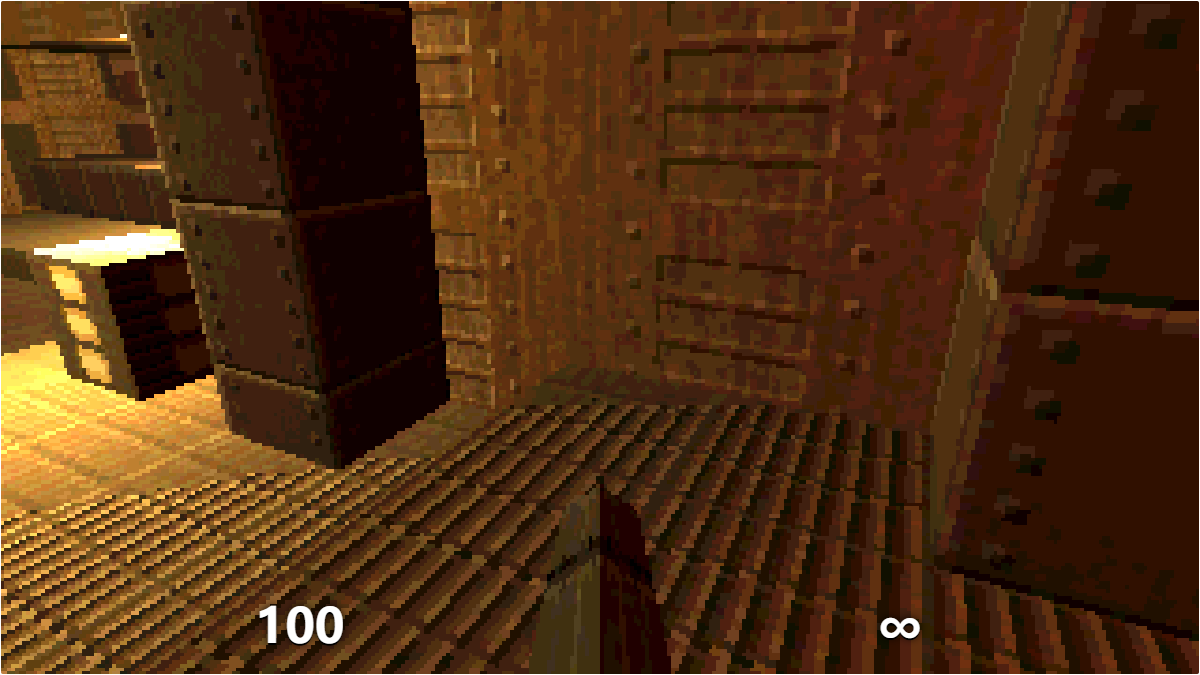
A compact first-person shooter with two levels, multiple weapons, enemy encounters, keys, doors, and pointer-lock mouse aiming.
Play better
Quick tips
First move
Click CLICK TO START, confirm the pointer is captured, then move forward while checking the first doorway for enemies.
Practical tip
Use corners to break enemy line of sight, and conserve stronger weapon ammunition for crowded rooms.
Game info
Game details
- Genre
- action
- Session
- short
- Play on
- desktop
- Controls
- keyboard, mouse
QuestHub review
Checked before listing
Source, license, build, and device checks are recorded for this game.
- Source
- License
- Build
- Desktop
- Mobile
Verification & source detailsPlay-test notes, browser checks, source and license
Play-test note
Checked captured mouse aiming, movement, and firing in Chrome, then reached a natural YOU DIED state and the automatic full-health restart. The two-level campaign was not cleared.
QuestHub checks
- Source recorded
- License reviewed
- Build verified
- Network reviewed
- Desktop tested
- Mobile tested
- Last checked
- 2026-09-06
- Browser
- Google Chrome
- Play on
- desktop
- Controls
- keyboard, mouse
These checks describe the recorded build on the date above. Browser, device, or upstream changes can affect later behavior.
Source & license
- Original creator
- See upstream source
- Source repository
- https://github.com/phoboslab/q1k3
- Pinned revision
8ee934856c3f5de3c584724b9dd554314a911694- Code license
- MIT
- Attribution required
- Yes
- Attribution
- See upstream source
- Asset review
- verified
- QuestHub changes
- Not listed in the current catalog
These technical details come from the pinned source snapshot used for this QuestHub build.
Keep playing
More like this
Games with similar genre, controls, session style, or mechanics.