Pool · 4 min read
Pool: Aiming, Power, Scratches, and Clear-Table Basics
Pool is a compact clear-table billiards game where every shot counts. The goal is simple: pocket all 15 object balls while using as few shots as possible. The useful part for a first run is learning how the aim line, power readout, ball motion, and scratch rule work together. The game waits for the table to settle before the next shot, so you have time to read the new layout instead of rushing a follow-up.
Play PoolLine up the first shot before committing
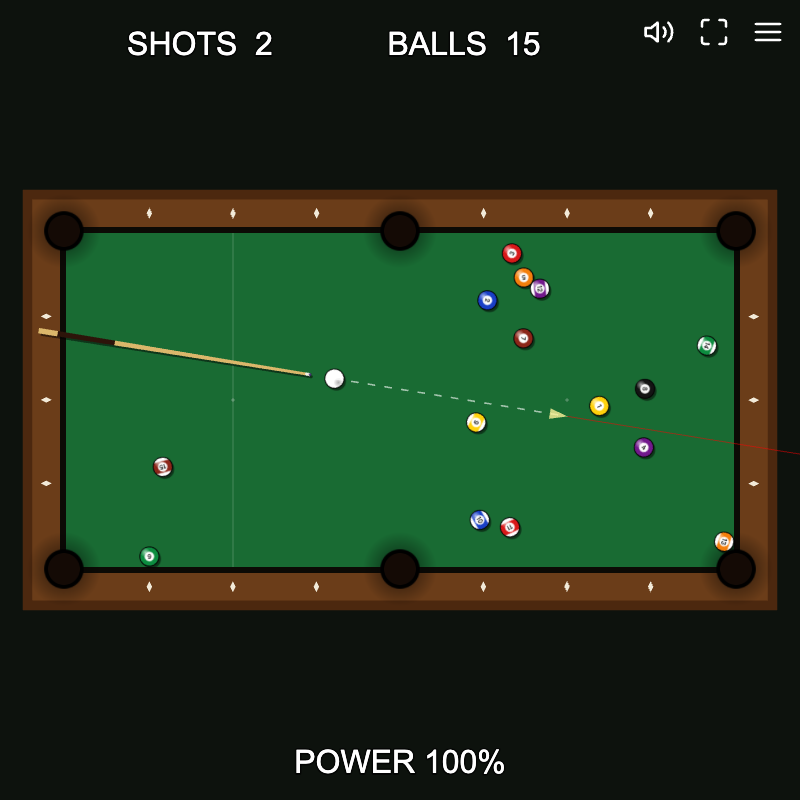
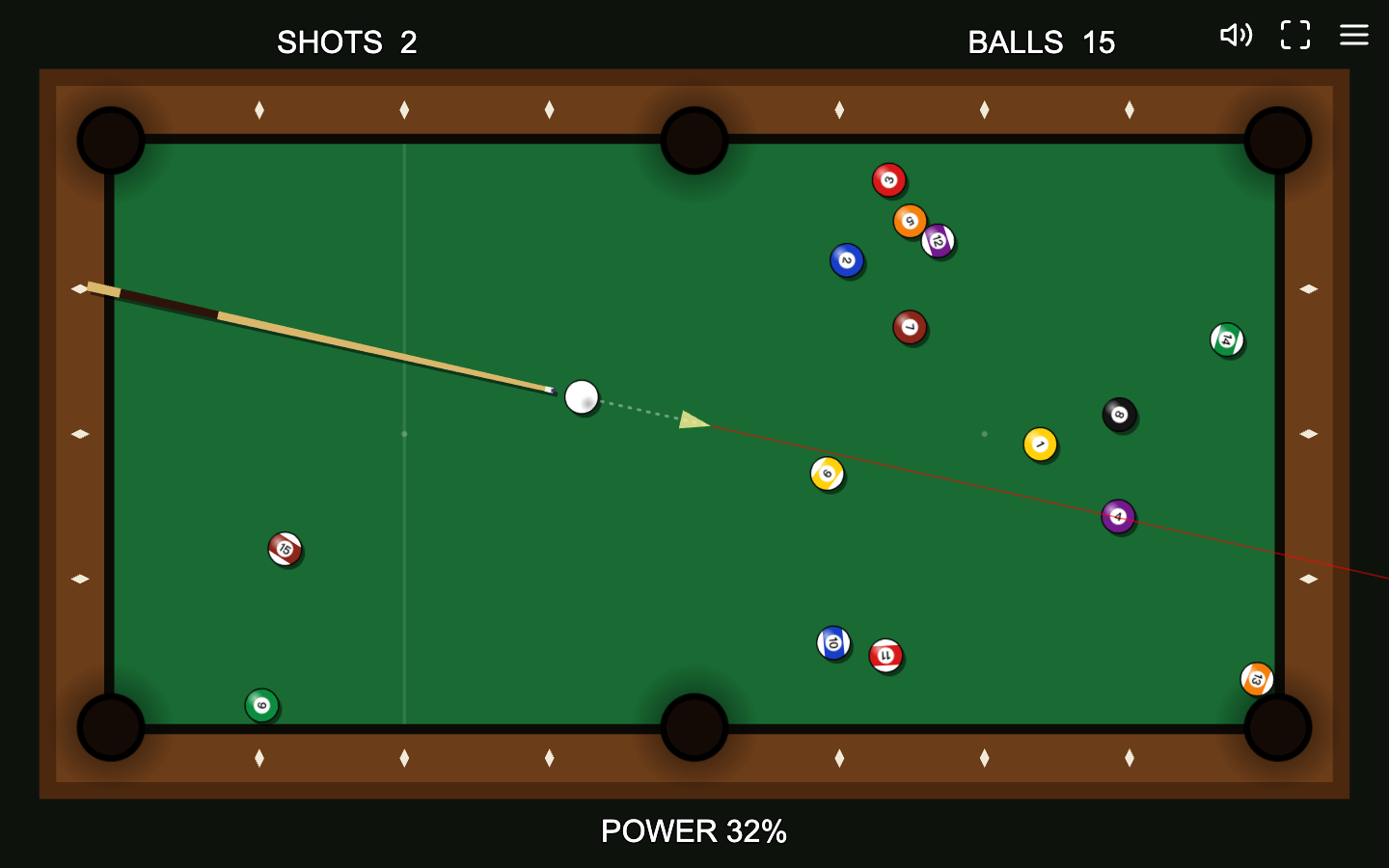
On desktop, the pointer controls the direction and strength of the cue. Move around the cue ball and watch the dotted guide and POWER percentage before clicking. A long pull produces a harder hit, while a shorter setup is easier to control. The cue animation finishes the strike for you after the click, so there is no need to click repeatedly while the cue is moving.
Touch uses a different gesture that is designed for a finger rather than a mouse. Start on or near the cue ball, drag behind it to establish the shot direction and strength, then release. In portrait orientation the table rotates so its long dimension runs vertically. That changes the screen direction you see, but not the basic rule: set the line, set the power, release, and let the balls finish moving before planning again.
Read the table after the break
The opening break is mainly about turning the tight rack into a table you can read. A hard break spreads many balls, but the best next move is not automatically another maximum-power shot. Wait until the physics settles, scan for an object ball with a clear route to a pocket, and check whether the cue ball will still have open space after contact. The SHOTS counter increases when you commit a stroke, while BALLS tells you how many object balls remain on the table.
The game rewards finishing in fewer shots, so an easy pocket is usually more valuable than a dramatic collision that leaves the cue ball trapped. You do not need to call a pocket or follow a full competitive ruleset. Treat each stopped table as a new position puzzle: find a simple line, choose enough power to reach the target, and preserve a useful cue-ball position for the following shot.
Recover from a scratch with ball-in-hand
If the cue ball falls into a pocket, the game treats it as a scratch. Once the moving balls settle, the cue ball is removed and you receive ball-in-hand. Place it on a valid open area of the felt before shooting again. A position that overlaps another ball or falls outside the usable table will not give you a legal restart, so choose an open patch with room for the next aiming line.
A scratch costs position as well as a shot, which makes cue-ball control important even in this simplified rule set. When a target sits near a pocket, use only the power needed to send that object ball home. Driving the cue ball across the entire table increases the chance that it follows a bad angle into a pocket. Ball-in-hand is a recovery tool, not a shortcut: use the placement to rebuild a clean, predictable line.
- Wait until every remaining ball has stopped after the scratch.
- Click or tap a clear section of felt to place the cue ball without overlapping another ball.
- Re-check the aim line from the new position before committing the next stroke.
Control power and finish the table
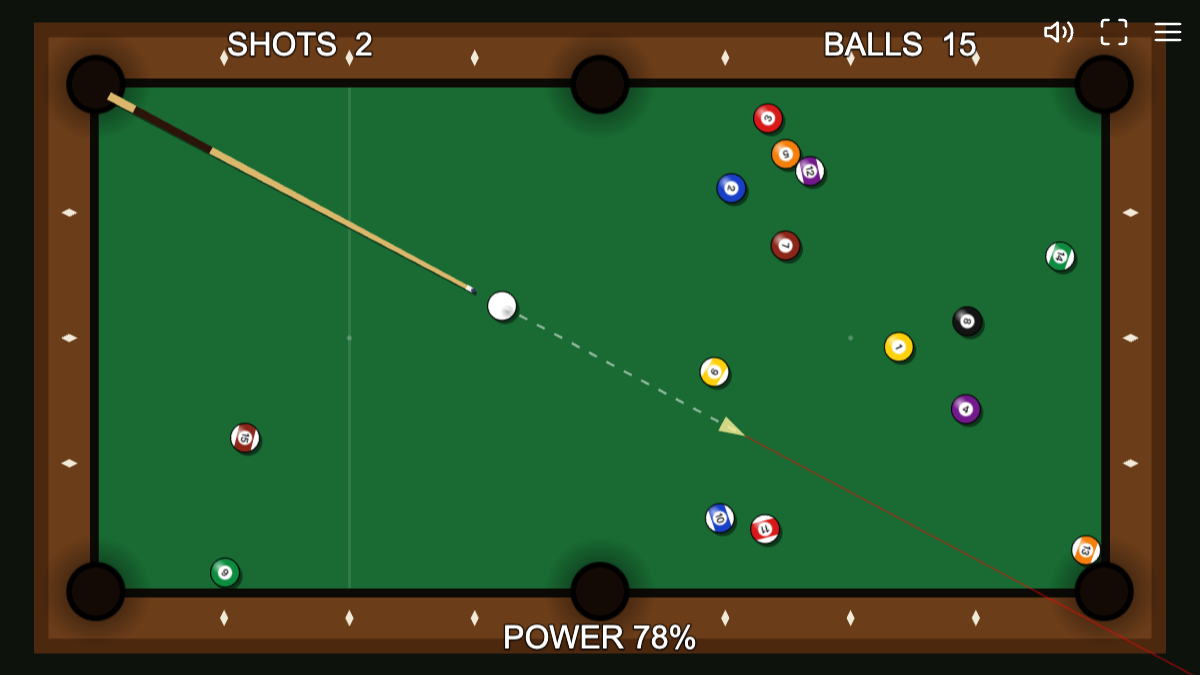
As the table opens up, control becomes more useful than raw speed. Shorter shots reduce the distance the cue ball travels after contact and make the next position easier to predict. For a longer cut or a ball far from a pocket, add power gradually instead of jumping straight to 100 percent. The visual guide is an aiming aid, not a promise that every collision will follow a single straight line; other balls and cushion rebounds can still change the result.
When the last object ball is pocketed, the game shows the clear-table result and records a best shot count locally in the browser. That makes a second run useful even after you understand the controls: try to remove unnecessary recovery shots and scratches rather than simply hitting harder. R can restart the rack on desktop, and the menu also exposes restart controls. The best-score record is local browser data, so clearing site storage can remove it.
Quick tips
- Wait for the table to stop completely before deciding on the next angle.
- Choose the simplest open pocket first; a low-risk shot often creates a better follow-up than a full-power collision.
- After ball-in-hand, place the cue ball where both the current target and the next likely target stay accessible.