Number Grid · 5 min read
Number Grid: 9×9 Logic, Notes, Conflict Checks, and Save/Resume
Number Grid is a 9×9 number-placement logic puzzle with dynamically generated boards and a unique solution for each generated puzzle. The three difficulty choices provide different clue counts: Easy uses 40 clues, Medium uses 32, and Hard uses 26. The objective is to place the digits 1 through 9 so every row, every column, and every 3×3 box contains each digit once. You can enter values directly, switch on Notes for candidate marks, use Check to expose conflicts, and leave the page knowing the current puzzle can be stored locally and resumed in the same browser.
Play Number GridStart with the most constrained row, column, or box
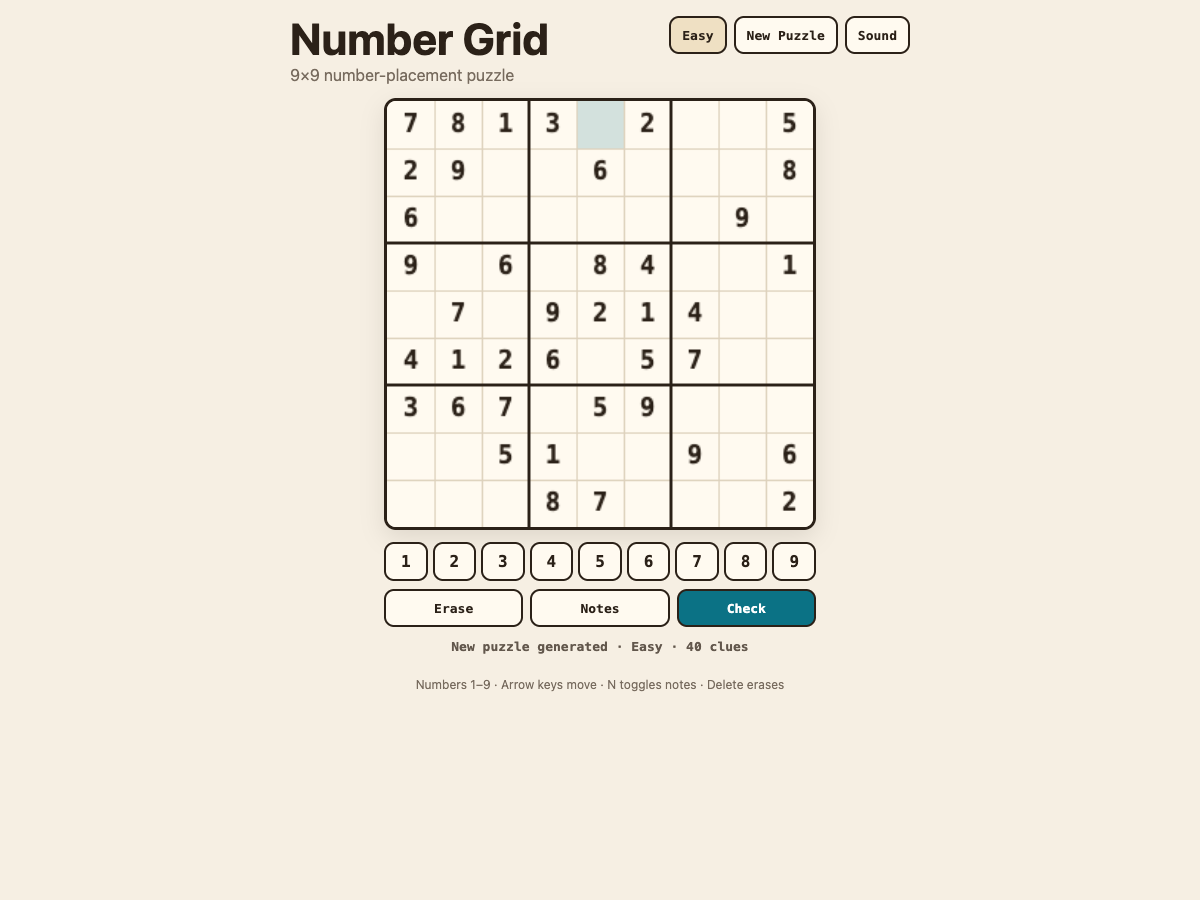
Choose Easy, Medium, or Hard to generate a new puzzle. For a first session, Easy is useful because its 40 starting clues leave more immediately visible deductions. Scan a row, column, or 3×3 box that already contains many fixed digits. For each empty cell, compare the digits already used in its row, its column, and its box. Any digit ruled out by one of those three groups cannot go in that cell.
Do not rush to fill every blank. A reliable first move is often a cell with only one legal digit left, or a group where one missing digit has only one possible position. After entering that value, scan the intersecting row, column, and box again because the new placement may create another forced move. This chain of small deductions is safer than guessing.
Use Notes when a cell has more than one candidate
When logic narrows a cell to a few possibilities but not one certainty, turn on Notes and record candidate digits instead of committing a guess. Notes help you remember what is still possible while you work elsewhere on the grid. As other placements are confirmed, return to those candidate cells and remove possibilities that are now blocked by the row, column, or box.
The most useful notes are selective. If every empty cell is filled with many candidates, the board can become harder to read. Focus on cells that are close to being resolved or on a region where several candidates interact. A candidate that appears in only one cell within a row, column, or box can reveal the next definite placement even when that cell initially had several marks.
Use Check to find conflicts, then return to logic
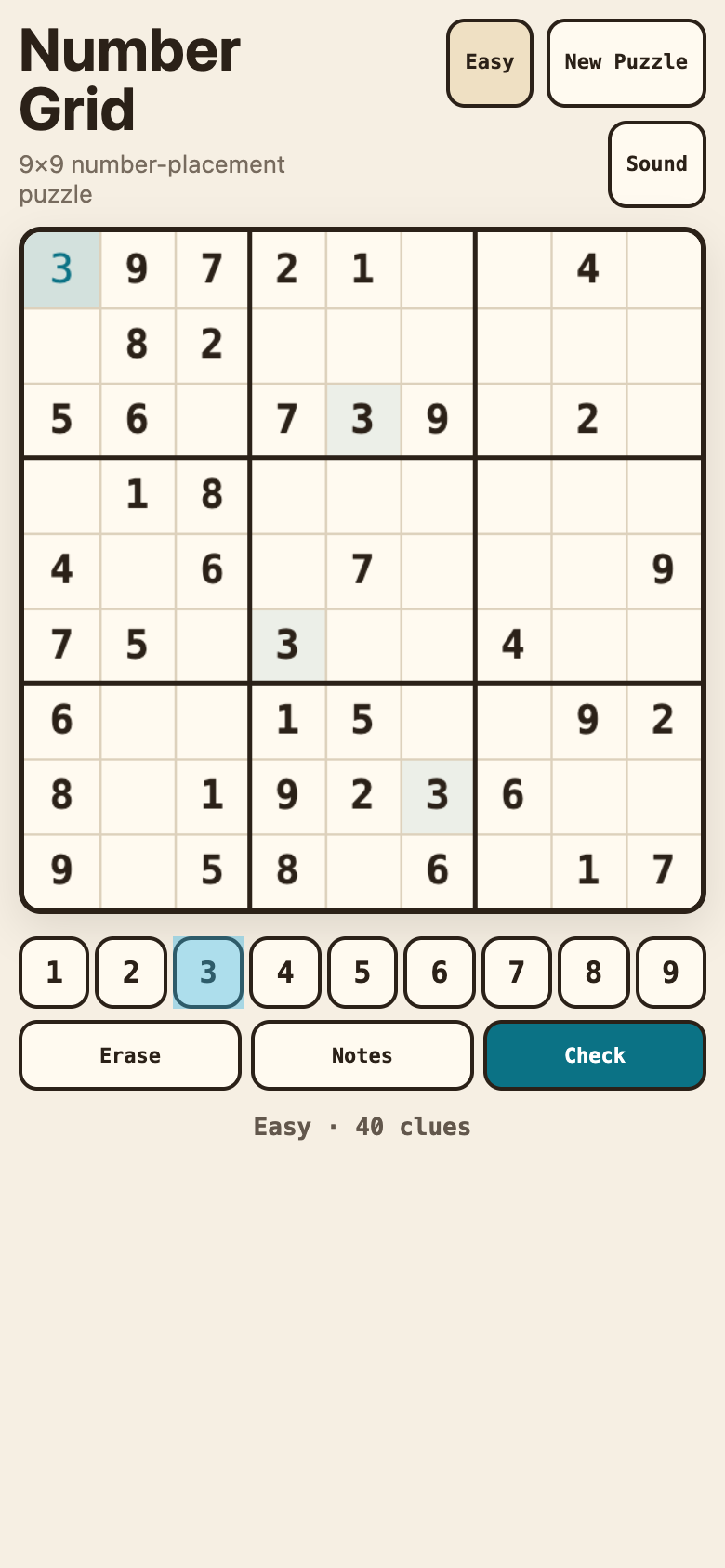
If a direct entry duplicates a digit where the rules do not allow it, Check can highlight the conflicting cells. Treat that highlight as a diagnostic tool rather than a solver. Remove or reconsider the incorrect value, then re-evaluate the affected row, column, and 3×3 box. The unique-solution generator means a correctly solved puzzle has one final arrangement; conflict checking helps you avoid carrying an obvious contradiction deeper into the board.
A good recovery method is to inspect the most recent uncertain entries first. Fixed starting clues are part of the generated puzzle, so concentrate on values you entered yourself. If you used Notes before committing a difficult cell, compare the chosen digit with the candidates and with any newly placed values that may have invalidated an earlier assumption.
Let local save/resume protect longer puzzles
Number Grid stores the current puzzle in localStorage on the reviewed browser origin. If you reload after making progress, the runtime restores the saved state automatically rather than requiring a separate Resume button. That makes Medium and Hard sessions practical even when you do not finish in one sitting. The stored state is validated before use, so malformed saved data is not treated as a trusted puzzle state.
When you want a different challenge instead, start a new puzzle and select another difficulty. Medium begins with 32 clues and Hard with 26, so both usually require more candidate tracking than Easy. The product name shown in QuestHub remains Number Grid; the Portal title, game card, URL, and primary description use that consumer-facing name consistently.
Quick tips
- Look for forced placements before adding candidates; each confirmed digit can simplify three regions at once.
- Use Notes for a small set of meaningful candidates instead of filling every empty cell immediately.
- After a conflict check, revisit your most recent uncertain entry rather than changing a fixed starting clue.
- Reloading restores the validated local save automatically in the same browser origin.