Four in a Row · 3 min read
Four in a Row: Gravity, Blocking, and Local Two-Player Play
Four in a Row is a short, turn-based board game: two players drop discs into seven columns, trying to connect four of their own color. The board has six rows, and every disc falls to the lowest empty space in its column. You cannot place a disc in midair or move it after dropping it, so looking one turn ahead matters more than clicking quickly. This version opens against the computer and also offers a friend mode for two people sharing one device.
Play Four in a RowChoose a column, then let gravity place the disc
Red moves first. Click or tap anywhere in the column you want to use, including the arrow above it. Your disc drops to the lowest available space, and then yellow takes a turn. On a keyboard, the number keys 1 through 7 select the matching column from left to right. Left and Right Arrow select a column; Enter or Space drops into it.
A column can hold only six discs. When it is full, choose another one. Starting near the center gives a new disc room to connect in several directions, but the important habit is to inspect the actual landing space before playing. Clicking higher in a column does not let you skip the empty spaces beneath it.
Read rows, columns, and both diagonals
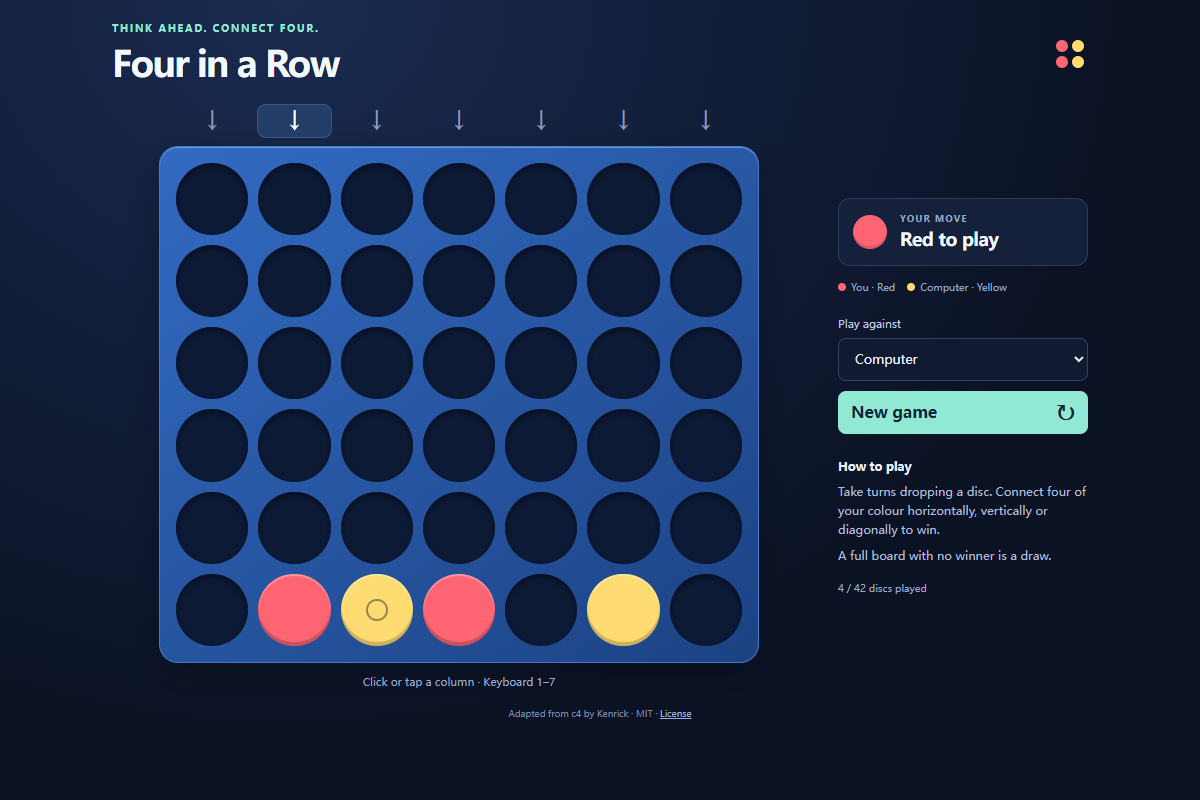
Four connected discs of one color win horizontally, vertically, or along either diagonal. A vertical line is easy to recognize because its discs are stacked in one column. A diagonal takes more planning: each higher disc needs other discs below it, and those supporting discs can belong to either player. Count the spaces that are playable now, rather than assuming an empty diagonal square is immediately available.
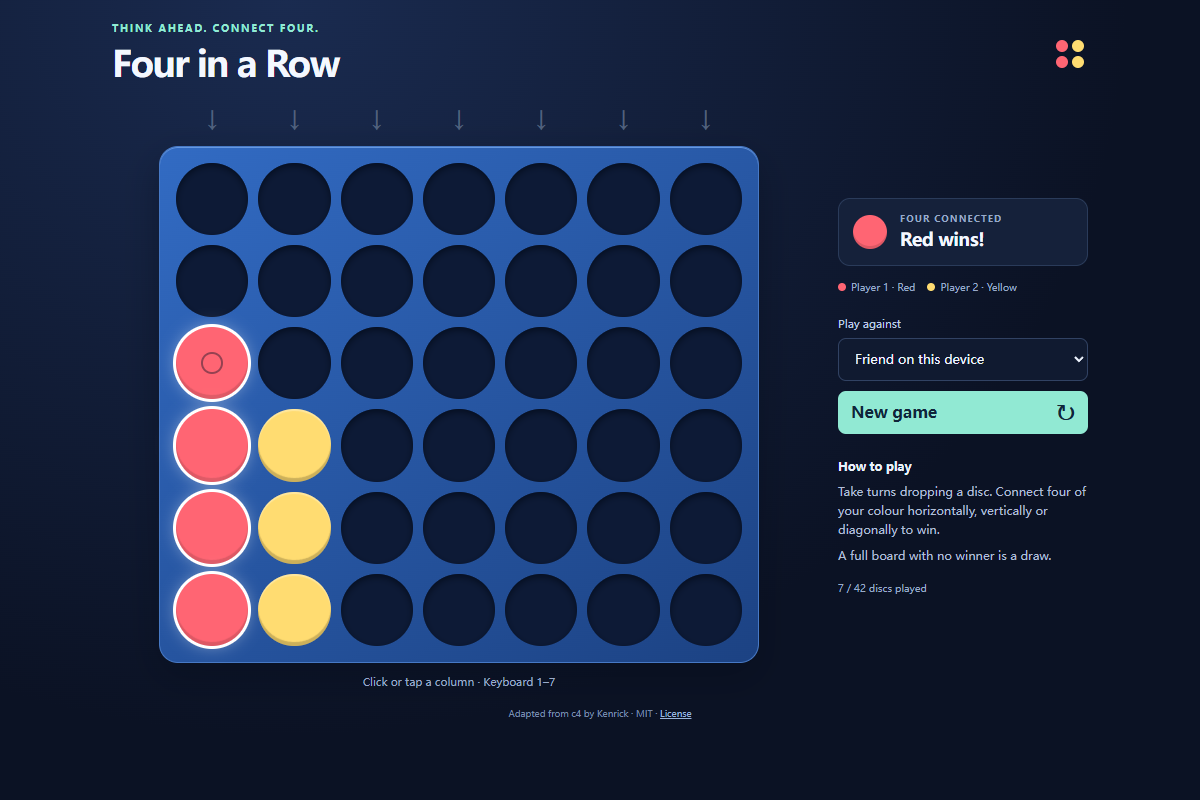
Before each move, ask whether yellow could complete a line on the very next turn. If so, occupy that landing space unless you can win immediately yourself. After blocking, look for moves that create two possible winning spaces; one defensive reply may not cover both. In the pictured local practice game, red completes a vertical line in the leftmost column, and the game outlines all four winning discs.
Practice against the computer or share one device
The Play against menu starts on Computer. You play red, and the computer replies as yellow. Wait for its reply before choosing another column; the board briefly disables drops while it is thinking. This build has one computer opponent setting, so there is no difficulty menu to adjust.
Choose Friend on this device to alternate red and yellow turns between two people. This is local two-player play: both players use the same board and device. Changing the opponent starts a fresh board, so finish or discuss the current position first. The mode is useful for a simple training exercise: let one side build three discs, then have the other side identify the immediate block.
Finish the board and start a new game
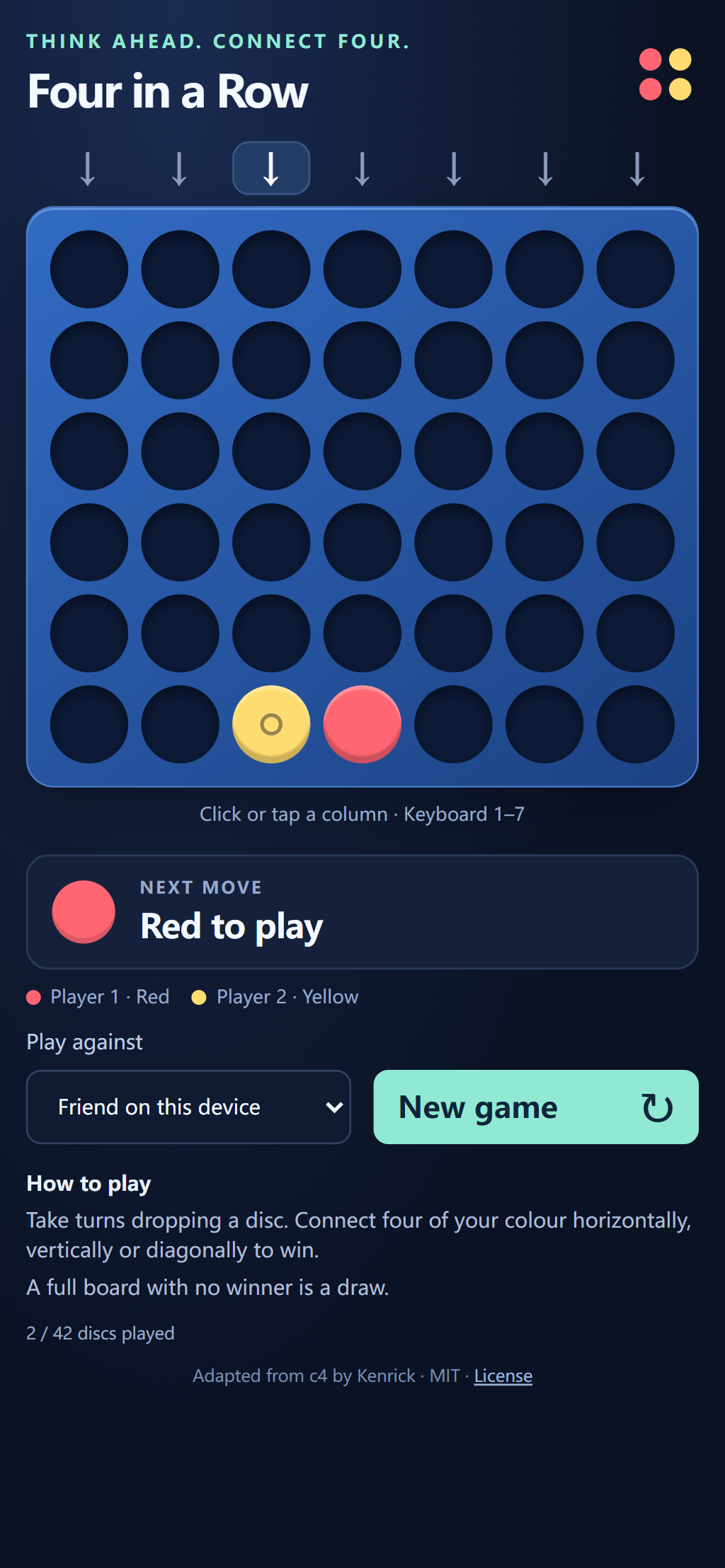
The status panel announces the winner when a line is completed. The counter beneath the rules records how many of the 42 spaces are occupied. If all spaces fill without a winning line, the game declares a draw. The board stops accepting further drops after either result.
New game clears every disc and gives red the first turn again. It also cancels a pending computer reply, so a move from the previous board cannot enter the new game. There is no undo or saved match in this version. Treat each drop as a commitment, and use a fresh board when you want to test another opening or replay a position from memory.
Quick tips
- Check the opponent's next playable winning space before extending your own line.
- A diagonal needs support beneath its higher discs; empty squares are not all immediately playable.
- Use local two-player mode to compare an attacking move with the defensive reply it forces.