Dead Again · 3 min read
Dead Again: Survive Your First Room and Make Every Bullet Count
Dead Again is a top-down horror shooter in which a single close encounter can end your run. You move through a dark map, aim with the mouse, and use limited ammunition to stop approaching enemies. The first level introduces zombies, but later levels add other threats and a boss. A careful first-room routine is more useful than rushing toward the most crowded part of the map.
Play Dead AgainBegin with movement and one deliberate shot
Click the title screen to start. Move with WASD or the arrow keys. Aim with the mouse and click the left button for each shot; holding the button is not the same as repeated firing. The starting pistol has six rounds loaded and twelve more in reserve.
Make a short movement to learn the room boundaries, then aim with a clear line of fire. Your pointer influences the camera, so keep track of your character before following a distant target.
- Click to start, then move a short distance with WASD.
- Point toward a visible approaching zombie.
- Click once, check the result, and adjust your aim before the next shot.
Use the ammunition display as a rhythm guide
The loaded rounds and reserve ammunition are separate. Press and release R or Space to reload, or allow the empty pistol to begin reloading automatically. Loading takes time, so an empty magazine is especially dangerous when an enemy is already close. Reload while you still have a safe gap instead of waiting for contact.
Aiming carefully is important because a shot into scenery still uses ammunition. Wooden barriers can be shot apart, and supplies are hidden around the map, but repeatedly firing through an obstructed route can leave you unprepared for an enemy that approaches from another direction.
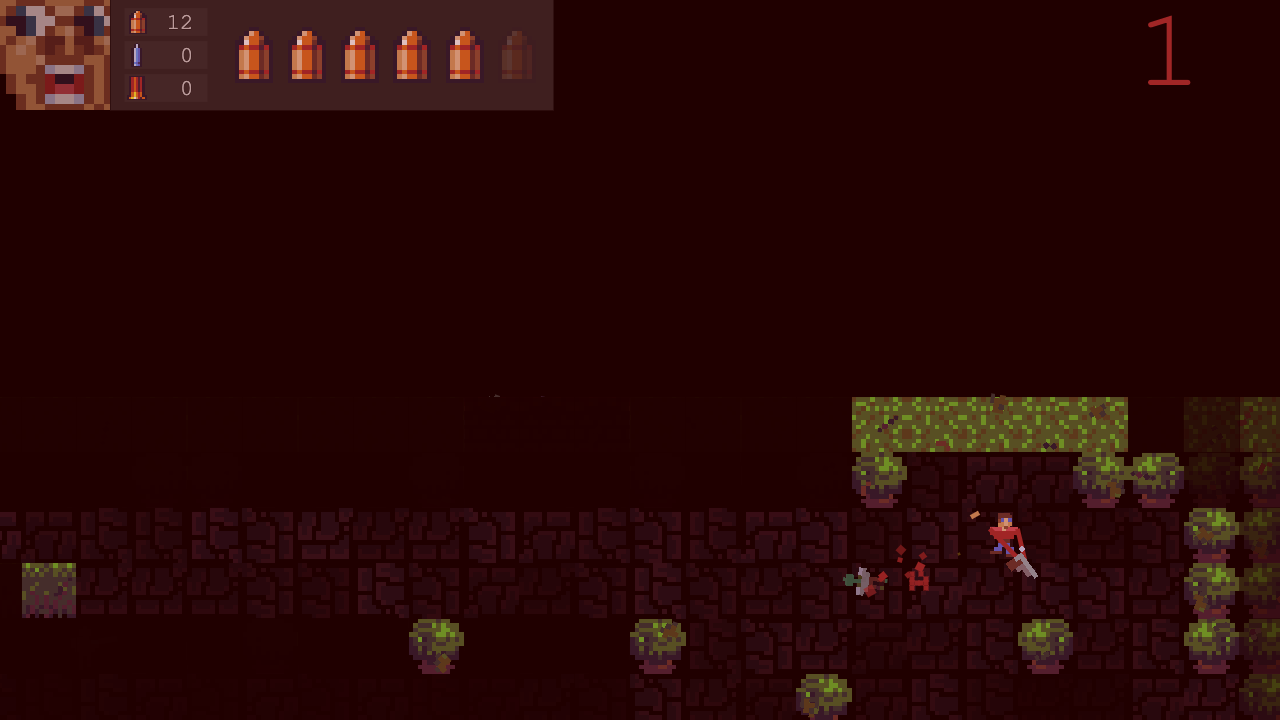
Keep a retreat route through the room
Watch corners and narrow passages before stepping into them. A zombie that is still far away gives you time to aim and reposition; the same enemy beside your character leaves little room for recovery. Move away before stopping to take another deliberate shot.
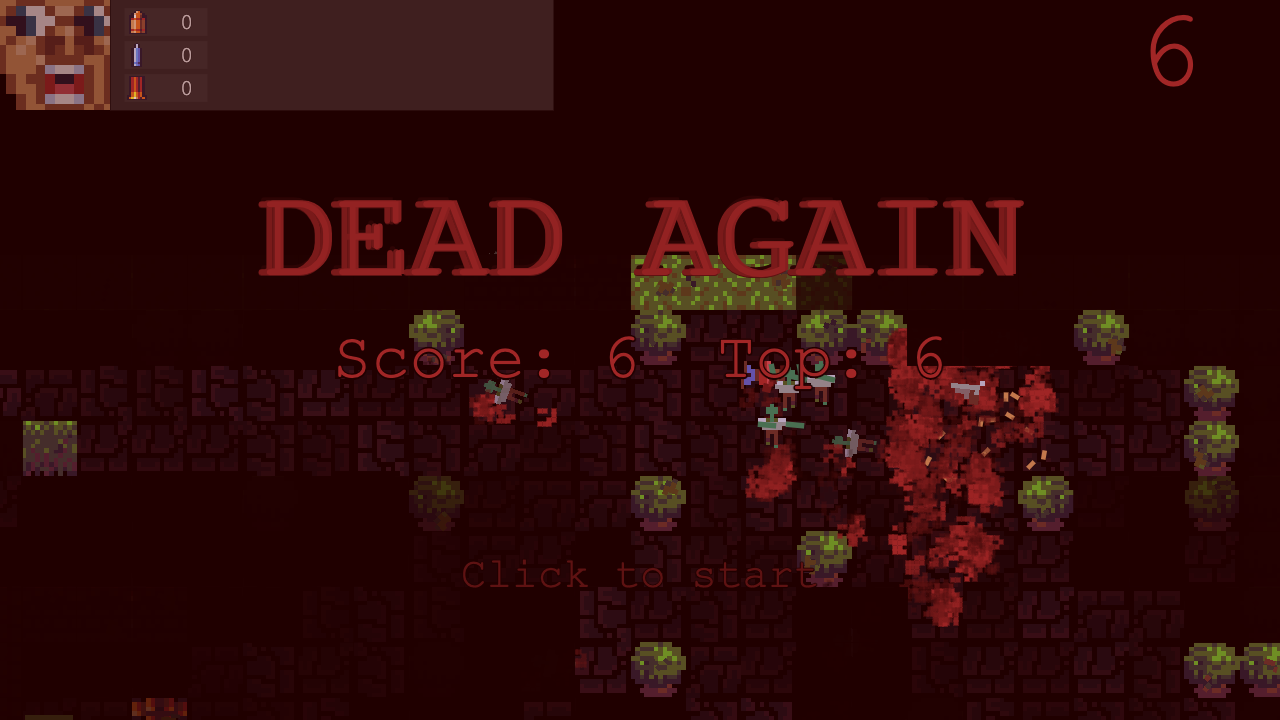
The recorded run earned six points from six enemy kills, but repeated shooting eventually emptied both the magazine and the pistol reserve. Treat that as a warning against stationary, wasteful firing. Look for ammunition when you have room to explore, and do not assume that an empty weapon means the game has already ended: additional supplies can appear.
Understand level progress and later threats
The first level requires clearing its enemy group. When a level is cleared, wait for Click to continue and click to enter the next one. Your current weapon and ammunition carry across that transition, making the amount you conserve relevant beyond the opening room.
The sequence includes zombies, later vampires and ghosts, and a boss encounter. The five map settings repeat with increasing difficulty rather than ending the entire game after one boss. This guide focuses on the opening survival loop; it does not present an unplayed route through every later map.
Restart after a completed run
A fatal encounter shows YOU DIED briefly, then returns to the title screen after about four seconds. The title can display your completed score and local best. The pictured result is that post-death title screen: it records the six-point run, rather than a level-clear message.
Click again to begin a new run. The score and level reset, and the starting pistol returns with six loaded rounds and twelve in reserve. The local best score remains, but there is no saved current room to resume after a refresh. Next time, try matching six kills with ammunition to spare.
Quick tips
- Use separate clicks for aimed shots.
- Reload while there is still space between you and an enemy.
- Keep a route back through the room instead of committing to a dead end.