Underrun · 3 min read
Underrun: Reboot Every System in the First Facility
Underrun sends a lone operator into dark facilities where the systems are offline and hostile machines roam the corridors. The objective is to touch and reboot every CPU in the current level. The first facility has nine. A single successful terminal message is progress; the level is complete only when the remaining count reaches zero and the game transfers you onward.
Play UnderrunDeploy and establish a safe route
Click to deploy after the opening terminal sequence. Move with WASD or the arrow keys, aim with the mouse, and hold the left mouse button to fire repeated plasma shots. Movement and aiming are independent, so you can back away from an approaching enemy while continuing to shoot toward it.
The first deployment begins with five health. The visible scene is deliberately dark, making cautious movement useful: clear the space ahead before turning into another corridor. Your ammunition is unlimited, so there is no need to save a final shot for later. However, firing into a wall will not clear an enemy around the corner.
Work through the facility in sections
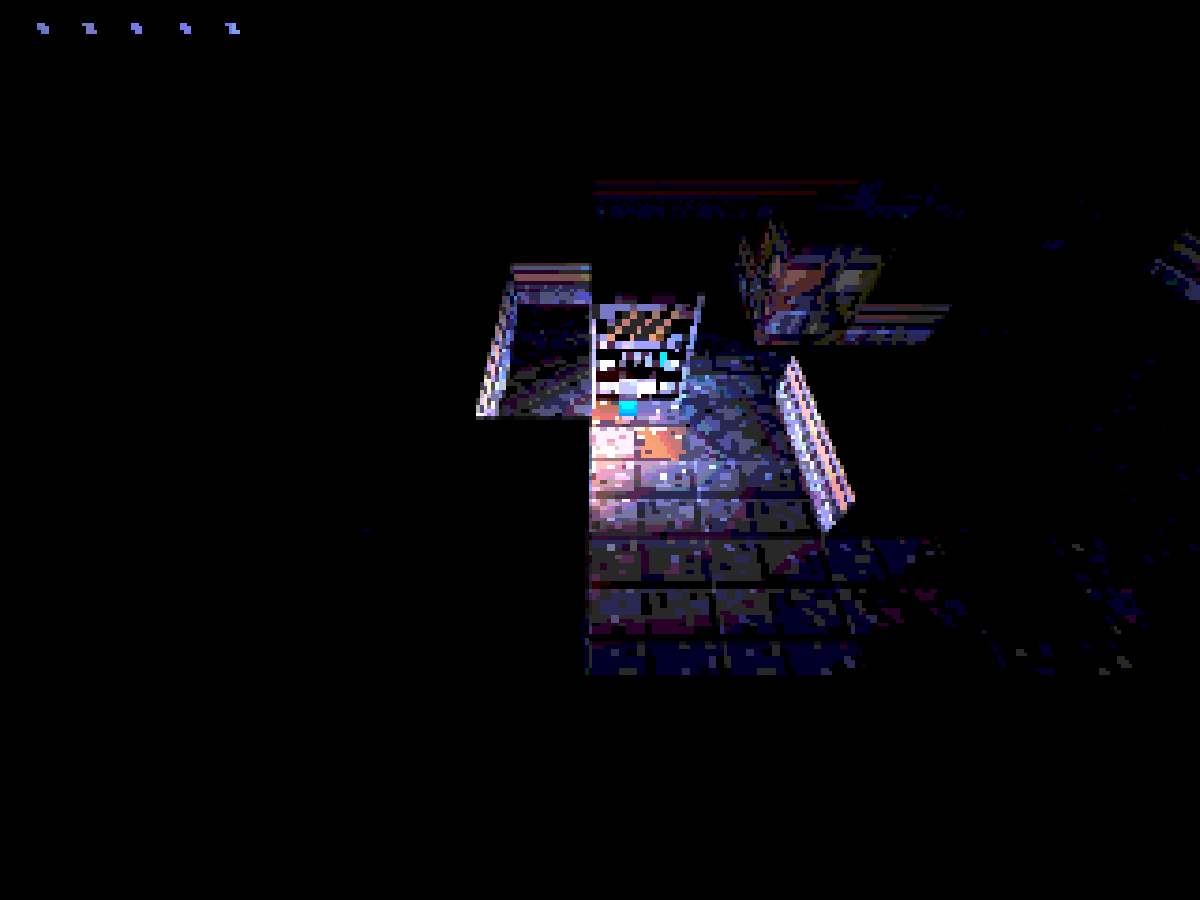
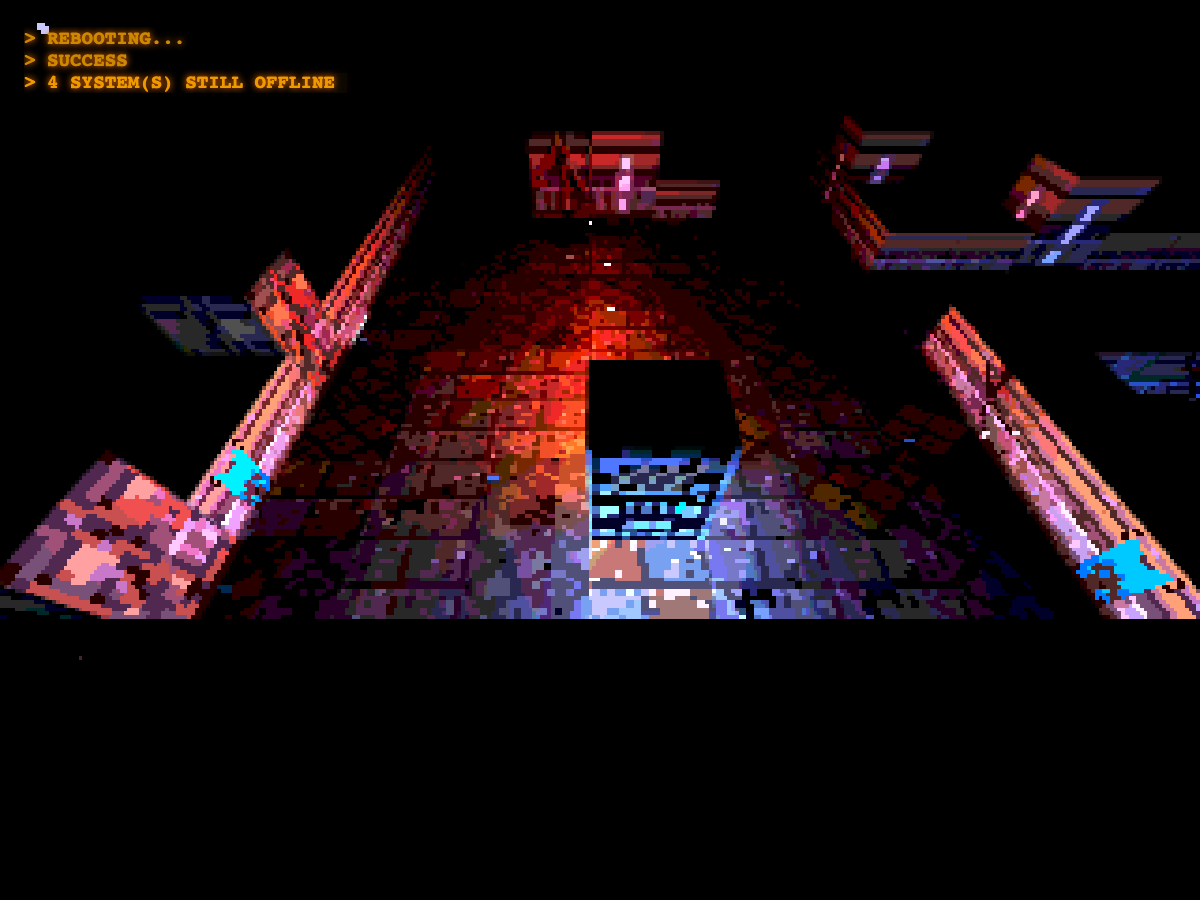
A practical opening is to travel up the passage from the starting area, then turn left toward the western terminal. Walk close enough to the CPU cabinet to trigger its reboot. You do not need to click a console or press an interaction key. Read the success notice and the remaining-system count before leaving the room.
From there, continue through connected rooms rather than trying to cut across the black spaces outside the floor. In this successful route, the western terminal came first, followed by the central terminal, the upper central and eastern rooms, and the northern terminal. The remaining eastern and southern rooms finished the circuit. This is a way to keep track of visited sections, not a reason to ignore an enemy blocking the next passage.
- Clear the approach to a cabinet while moving on the visible floor.
- Touch the cabinet and wait for the reboot notice.
- Check how many systems remain offline.
- Leave by a known corridor and search a new section.
Protect health while you explore
Keep the cursor toward an approaching threat while you retreat into a cleared area. Long straight corridors can make shooting easier, but standing still allows enemies to close the distance. A brief period after a hit limits repeated immediate damage; it does not make a prolonged close encounter safe.
Health pickups restore one point, up to five. They can still be consumed when health is full, so approach them thoughtfully when you have a choice. This run fell to one health during exploration, then recovered health naturally from a pickup and finished the final rooms with two remaining. A useful route includes both the terminals you still need and a safe retreat when a room becomes crowded.
Complete the level and understand recovery
After the ninth CPU reboot, the terminal sequence announces that the systems are online and prepares the next hop. The game automatically enters the second facility; no separate exit door is required after completing the CPU count. There are three levels in the full game, so clearing the first is a complete level, not the final ending.
If health runs out, the deployment fails and the current level automatically reloads after a short delay, resetting its CPU progress. Refreshing the page starts the opening deployment again rather than continuing your previous facility. After the successful first-level run, refreshing and deploying returned this game to level one, five health, and all nine systems offline.
Quick tips
- Follow the remaining-system notices after each cabinet.
- Aim while retreating instead of stopping to shoot at close range.
- Treat health as a route-planning resource; avoid wasting a pickup at full health.