Rollermaze · 3 min read
Rollermaze Guide: Reach the Woods Before Time Runs Out
Rollermaze asks you to roll a many-sided piece from its drop point to the woods before a thirteen-second timer runs out. The opening is short enough to teach the key habit: read the route, then move with a purpose. Later boards add blocked passages, timer resets, and sentinels, so recognising the next useful tile matters as much as moving quickly.
Play RollermazeLearn the direction controls
Use the arrow keys or WASD to roll along the paths. With a mouse, click and drag in a cardinal direction; on a touchscreen, touch and drag the same way. You are choosing a direction along the board, rather than clicking a destination or tilting your device.
Begin with one direction at a time. Release it as you arrive at a turn, then choose the next direction. The game does not let you roll into an empty space beyond a path, but an unnecessary turn still wastes time once the clock is running.
Clear the first board
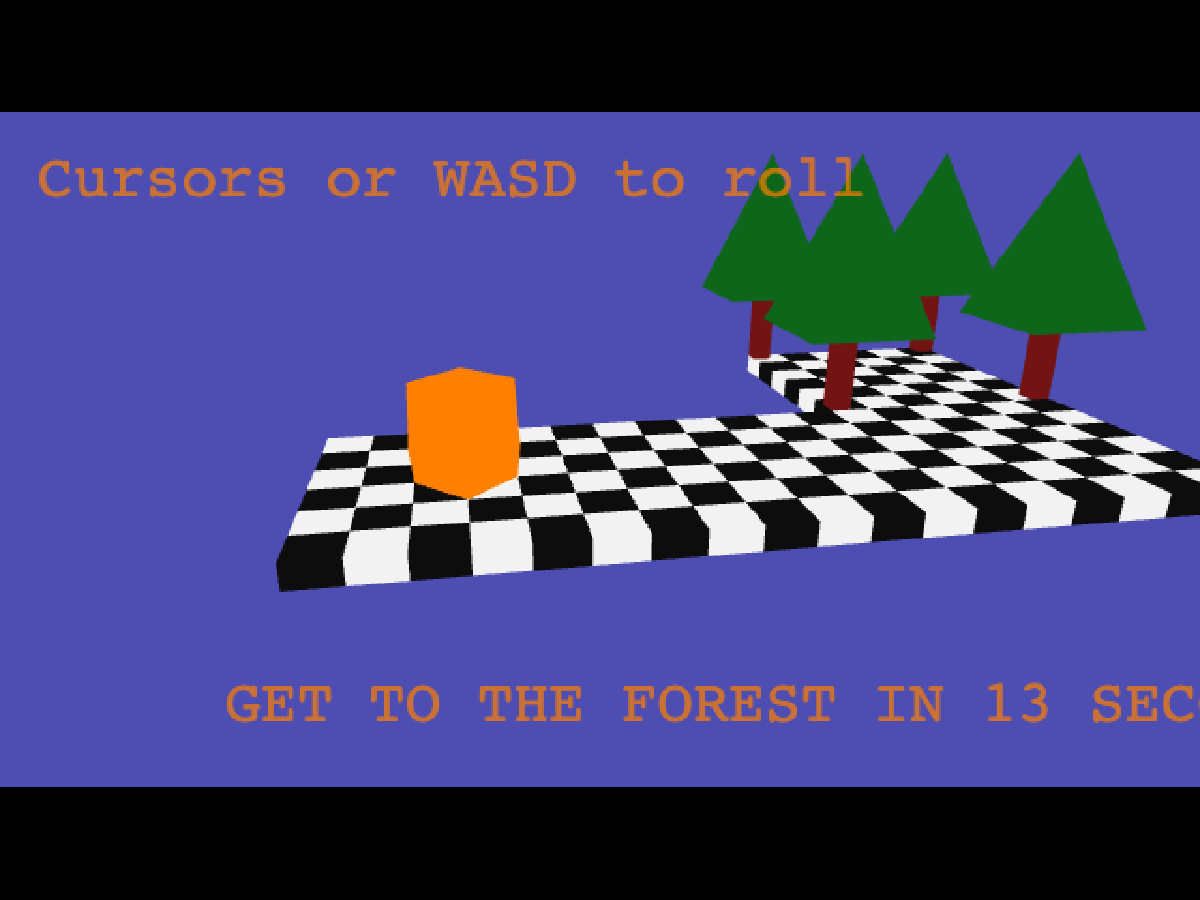
On the first board, the piece starts at the left end of the lower path. The woods sit above the path’s far-right end. There are no switches or sentinels to solve here: follow the L shape.
- Move right along the lower row, passing the middle tile to reach the far-right tile.
- Release Right when the piece is aligned below the woods.
- Move up onto the wooded tile and look for Level Complete.
Plan before starting the clock
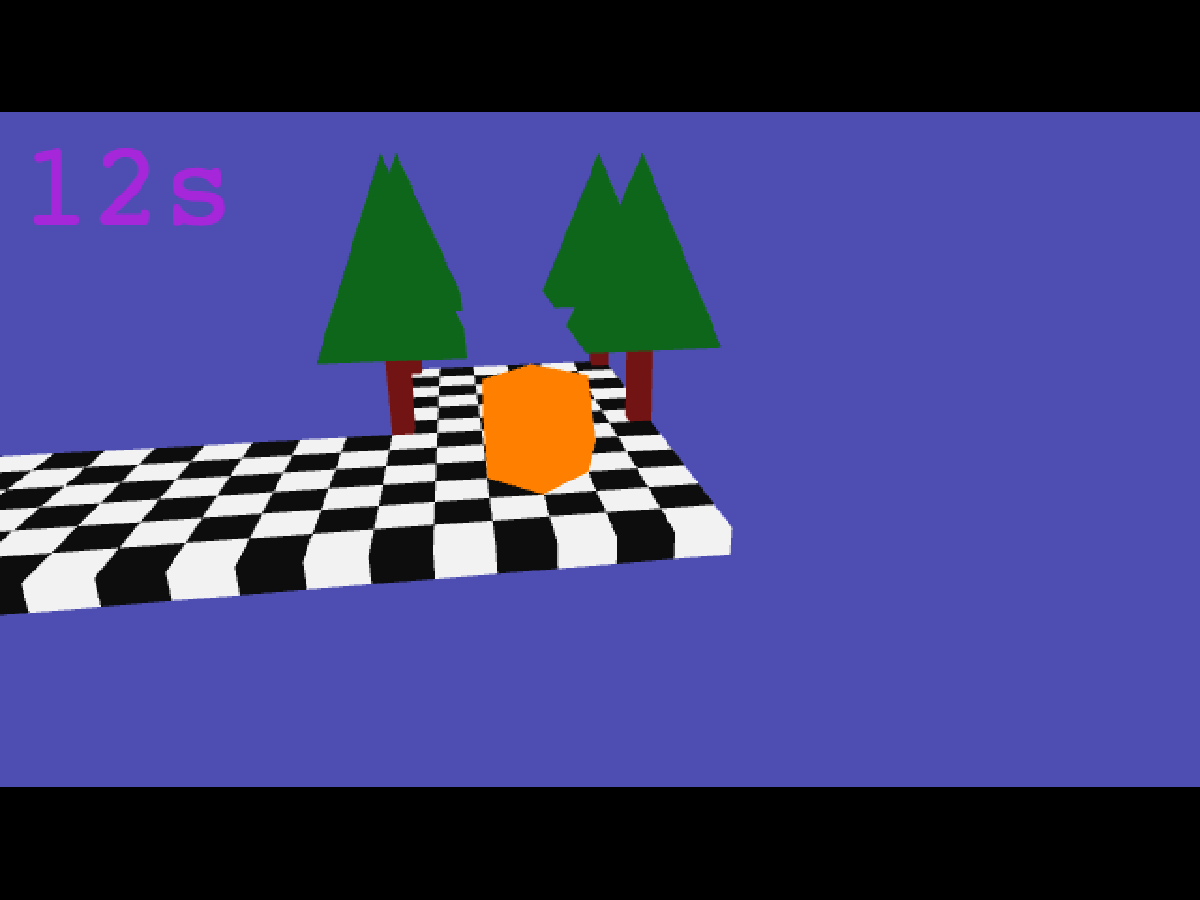
The countdown begins with your first movement. Use the initial still moment to locate the woods, identify turns, and notice anything blocking the direct route. Once you move, hesitation consumes the same limited time as travelling.
Try to memorise the route as a short sequence of directions. On the opening board that sequence is simply right, then up. For a longer route, split it around a useful intermediate tile so you are only remembering the next section. Avoid repeatedly tapping opposite directions while deciding where to go.
Understand the extra route features
A purple button opens its nearest blocker. When a direct passage is closed, trace a route through the relevant button before trying that passage again. Safe spots reset the timer to thirteen seconds; treat them as planned stops on a long journey. They do not save a checkpoint for a later visit.
Grey sentinel cubes become active when you touch them. Contact sends your piece back to the drop point, and the activated sentinel can chase you. A later collision leaves very little time. Give these cubes room when you can, and reconsider the route if a seemingly short path repeatedly runs into one.
Finish, retry, and begin again
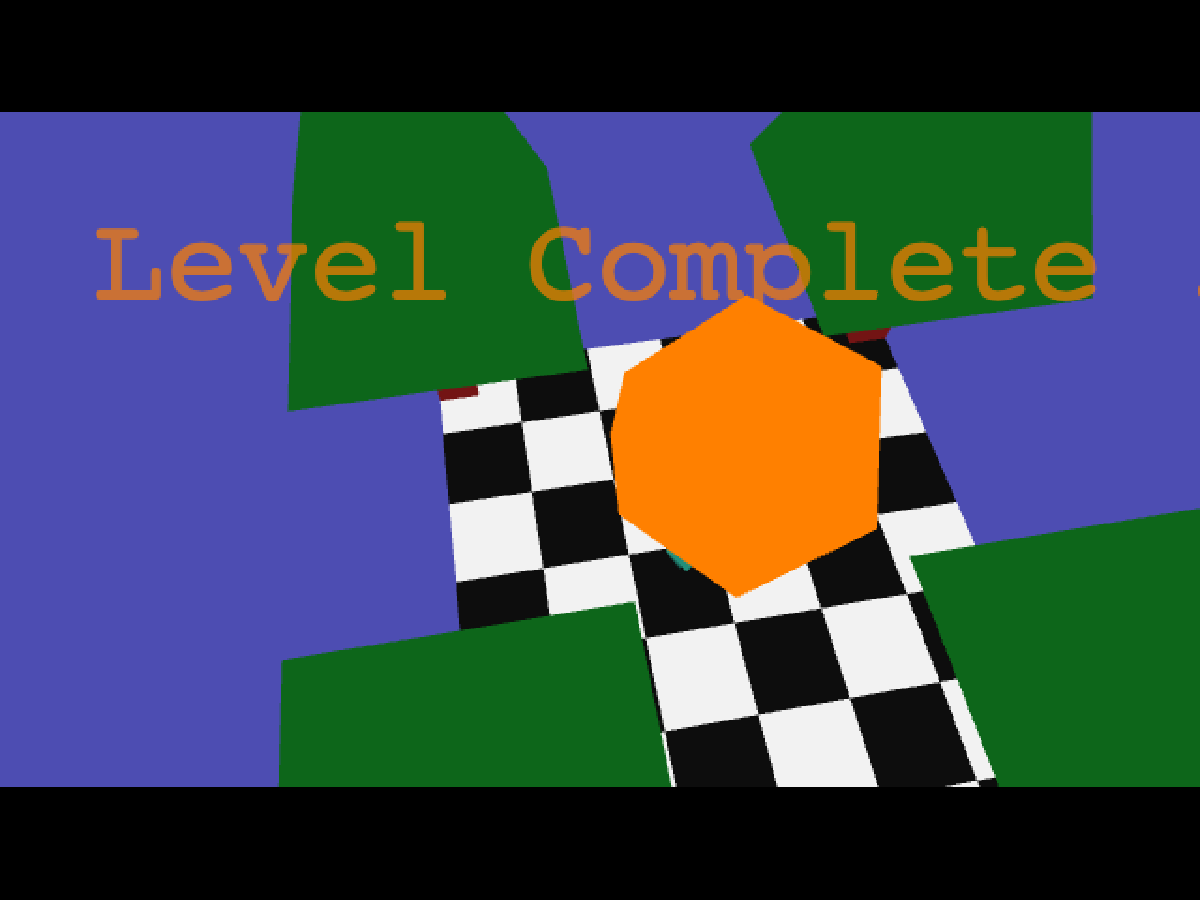
Reaching the woods stops the countdown and shows Level Complete. The next board loads automatically after the celebration, so no confirmation button is needed. The image below records a successful clear of the opening route.
If the timer expires, the game shows the failure and automatically restarts that board after a short delay. Use that pause to choose a better route. Progress belongs to the current session: reloading the page begins again at the first board. There is no saved level selection to rely on when you return later.
Quick tips
- Release a direction at a junction before starting the next one.
- Locate timer-reset tiles before attempting a long route.
- Use an automatic retry to change the route, not simply repeat the same hesitation.