Particle Clicker · 3 min read
Particle Clicker: Build Your First Automated Lab
Particle Clicker turns a few manual detector clicks into a growing research laboratory. Your first goal is a complete production loop: collect data, buy research, earn funding, and hire someone who generates data for you. Once that loop works, you can choose between more staff, better clicks, and increasingly ambitious discoveries.
Play Particle ClickerMake your first discovery
Click the large circular detector in the center of the screen. Each initial click gives one data. The Research column on the left spends that data; the HR and Upgrades columns on the right spend funding instead. These are separate resources, so a large funding balance cannot pay a research button labeled in data.
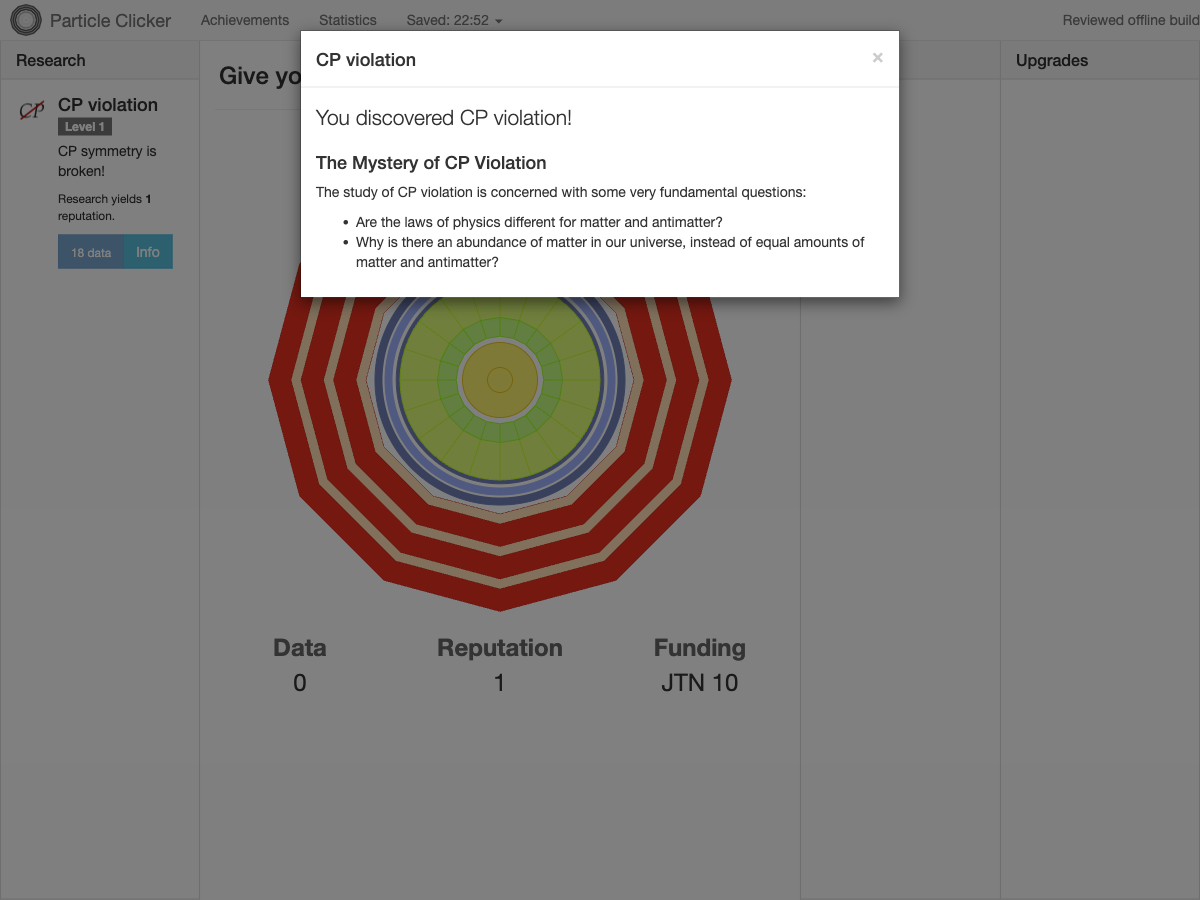
For a fresh laboratory, click ten times and buy CP violation for 10 data. Its card changes to Level 1, reputation becomes 1, and the next research purchase costs 18 data. A higher research level adds reputation rather than increasing the detector's output directly. Read the number on the button before each purchase because the price grows.
- Click the detector until Data reaches 10.
- Buy CP violation in the Research column.
- Open its Info button to read about the discovery you unlocked.
Hire your first automatic producer
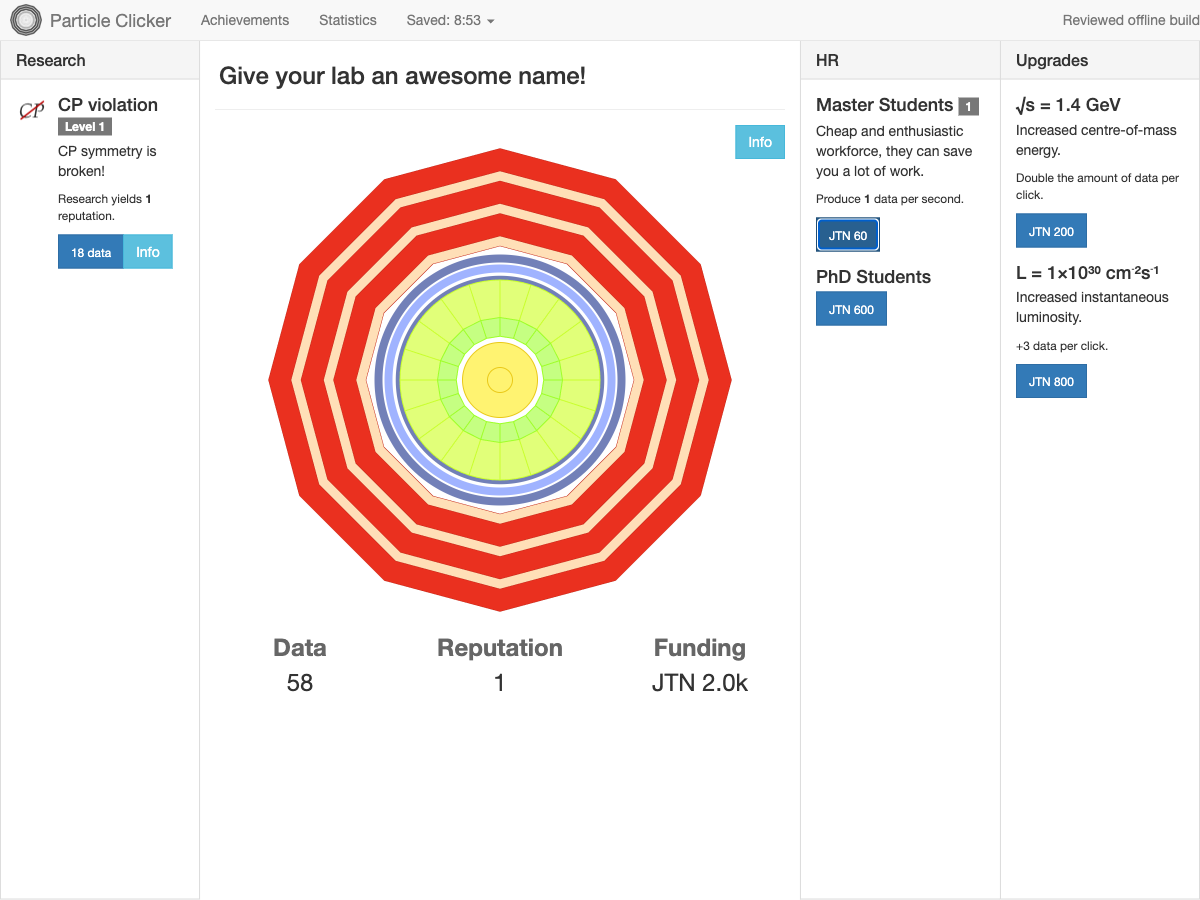
Reputation brings recurring grants. With the first discovery and the initial grant factor, funding increases by JTN 5 each second while the game is running. Wait until you have JTN 40, then buy the first Master Student in HR. The small number beside the staff name shows how many you have hired.
One Master Student produces 1 data per second without detector clicks. Watch Data rise for a few seconds to confirm the new loop: research earns reputation, reputation brings money, and workers turn money into ongoing data production. Hiring does not consume your research progress. The next Master Student costs JTN 60, so do not assume every additional hire has the original price.
Choose the next investment
Spend worker-generated data on another research level to increase the grant stream, then compare the next affordable staff member with available upgrades. More staff suits a laboratory you want to watch grow with less clicking. Detector upgrades help when you plan to keep clicking actively; their descriptions show whether they multiply or add to the amount per click.
The first visible energy upgrade costs JTN 200 and doubles data per click. That is useful for active clicking, but it does not say that it doubles every worker. Read each description instead of treating all upgrades as a global production multiplier. Later research and hires become visible as the lab develops, so the initial screen is only the beginning.
Save the loop before leaving
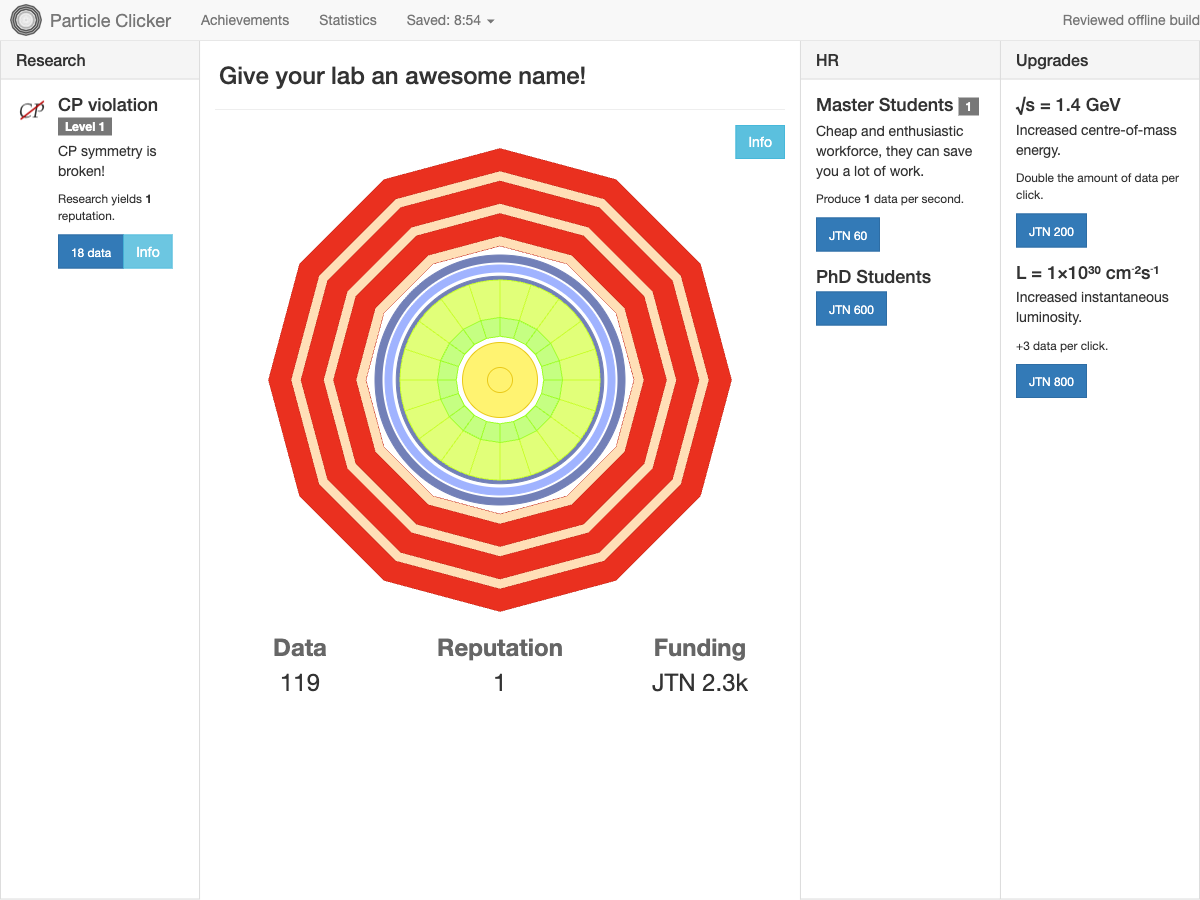
Open the Saved menu in the top bar and choose Save now. A refresh should bring back your research level, staff, and saved resources. In the illustrated run, the laboratory returned with one Master Student, CP violation Level 1, and 116 data; the counter then rose to 119 without another click. This is a useful first milestone for an open-ended game with no single-round finish screen.
The same menu contains Restart. It opens a confirmation because restarting discards this laboratory's progress. Cancel if you meant only to save or reopen the page. Saves belong to this browser and site: do not expect a different browser or device to share the same laboratory, and use Save now before closing a session.
Quick tips
- Check whether a purchase costs data or JTN before waiting for it.
- Use your first worker to keep research moving between manual clicks.
- Open research Info panels to connect the incremental progress with the physics behind it.