ONOFF · 3 min read
ONOFF Guide: Clear the First Gap and Understand the Layers
ONOFF begins with a small platforming lesson: reach the star on the other side of a gap. Later rooms combine jumping with a switch that changes which platforms and hazards are active. The controls are compact, but the order of your actions matters. Learn the first jump without switching layers, then use the following room to read how the two dimensions fit together.
Play ONOFFStart and separate jump from switch
On the title screen, keep Start selected and press Enter. Move with Left and Right, or A and D. Jump with Up or W. Space switches the ON/OFF layer; it is not the jump key. Keeping these two actions separate is the most useful habit to establish immediately.
Movement stops when you release the horizontal direction, making it possible to position the character close to an edge. A jump starts when the character is standing on a surface. Holding the jump key can trigger another jump after landing, so release it when you only want one.
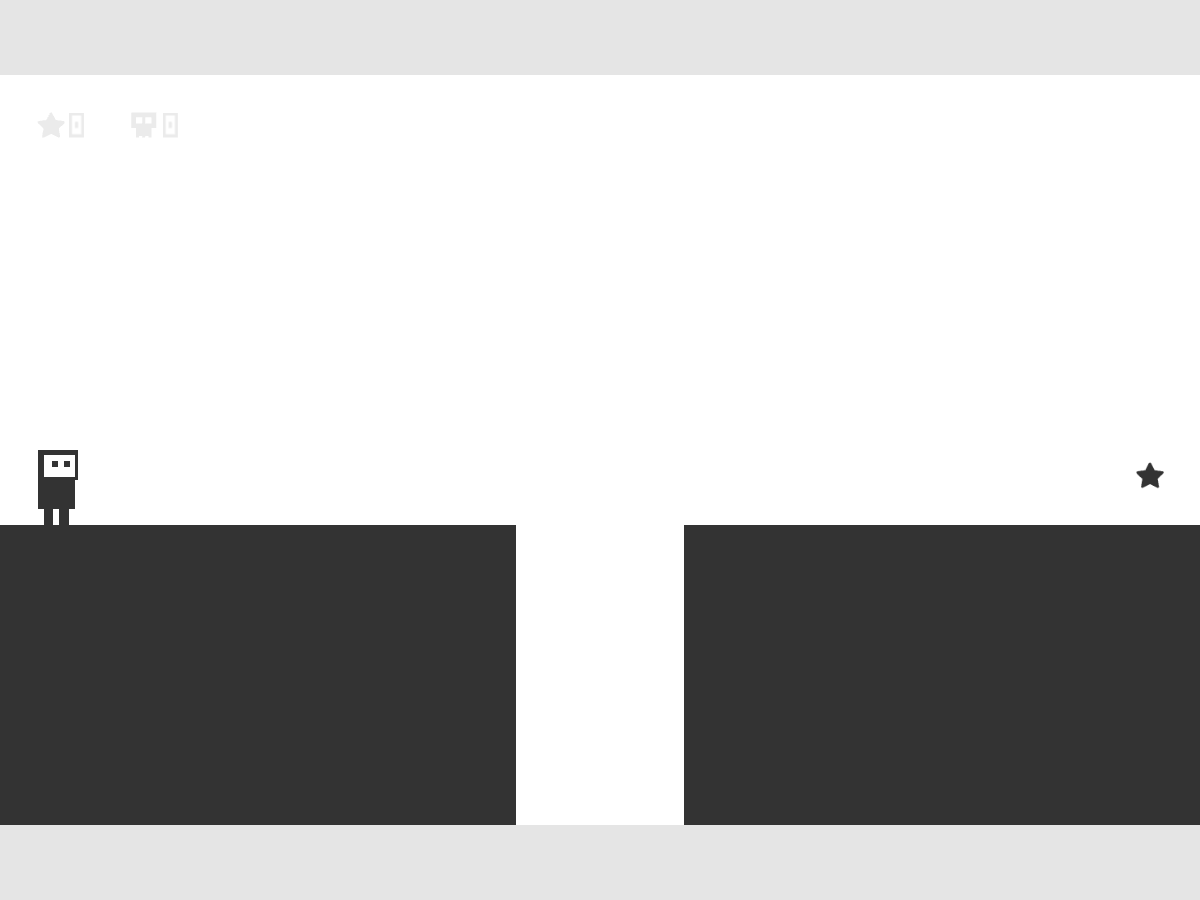
Cross the first room
The first room has a solid platform on each side of one central gap. Both platforms are active in the starting layer, so leave Space alone for this opening. Walk close to the left platform’s edge, but keep the character’s feet supported before jumping.
Jumping too early uses up horizontal travel before you reach the gap. Walking off before pressing Up leaves you without the supported take-off the jump requires. If either happens, use the automatic retry to adjust your launch point.
- Hold Right until you are near the edge of the left platform.
- Press Up while continuing to hold Right.
- Release Up after take-off and keep moving across the gap.
- Land on the right platform, then continue right until you touch the star.
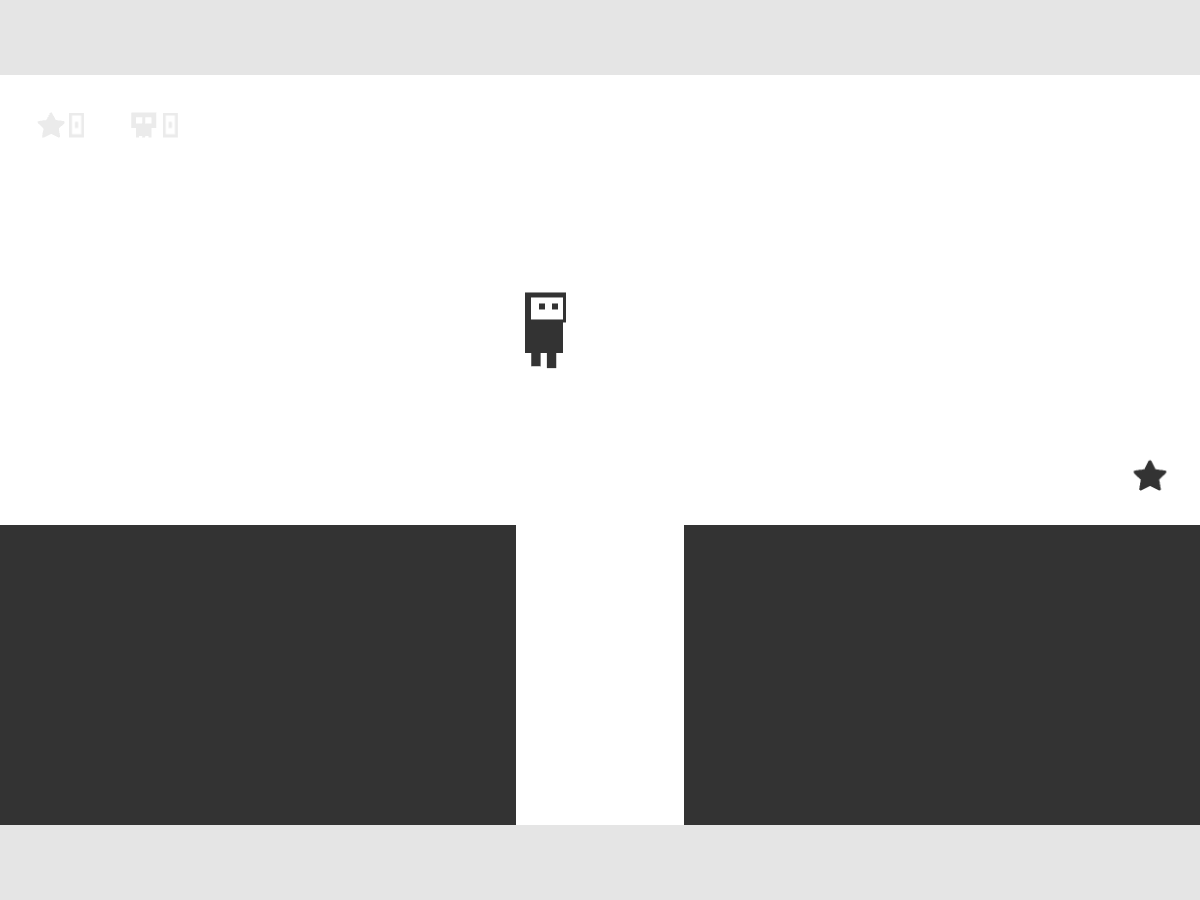
Recognise the goal transition
Touching the star briefly changes the scene, then loads the next room automatically. Release your movement keys as you reach it so you do not immediately run across the next room. The star counter increases to show progress; the skull counter records deaths.
The next room starts on stacked horizontal platforms. It introduces the reason for Space: switching changes which layer is solid. Read the surfaces below the character before switching, then identify the next surface that will catch a fall.
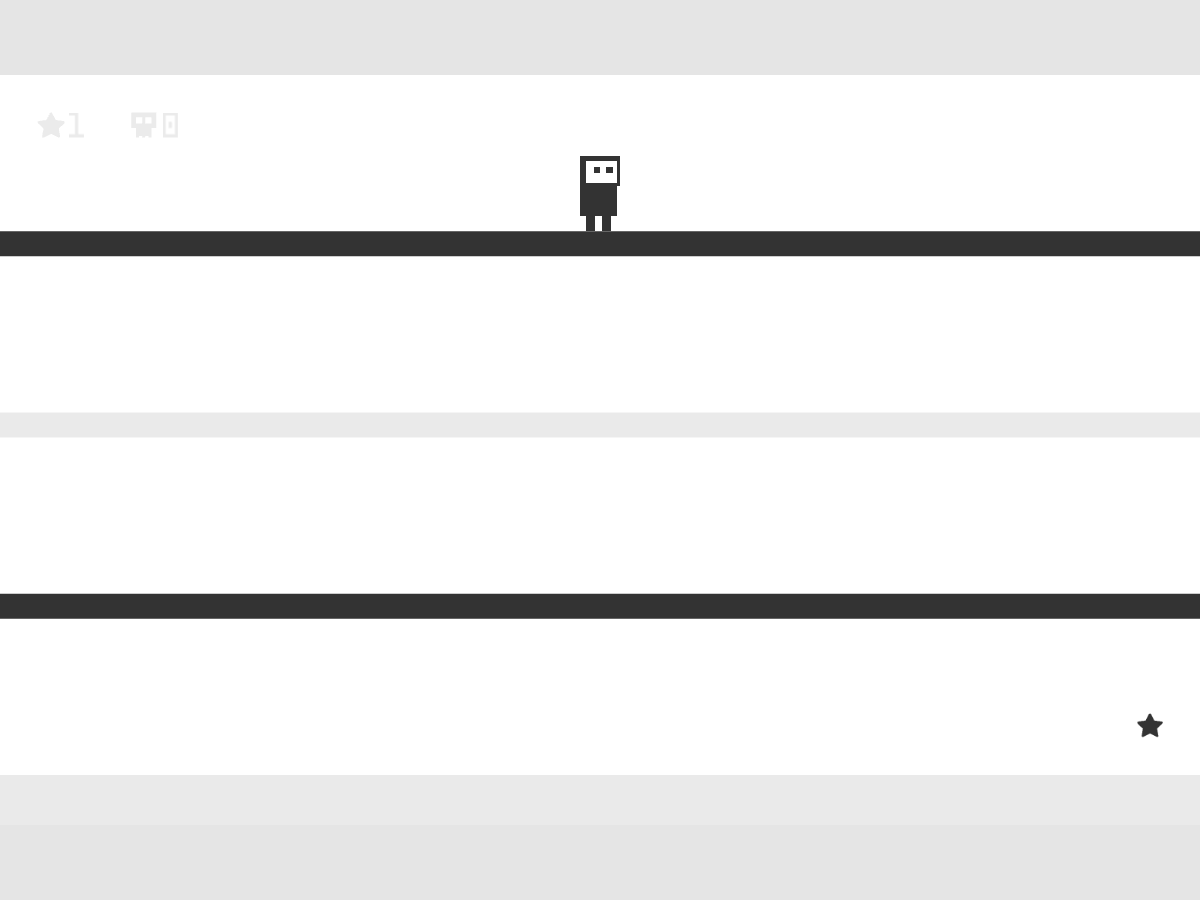
Think about both dimensions
A surface that supports you in one layer can become inactive in the other. Conversely, an inactive platform can become a landing surface after a switch. Plan the landing as carefully as the jump: the destination must be active when you reach it.
Later rooms add spikes and tighter arrangements. Switching while your body overlaps a platform that becomes solid can also cause a death. Look for enough clear space around the character before changing layers, especially when falling through narrow passages.
Retry without losing the whole session
Falling out of the room or touching an active hazard triggers a short death animation and returns you to that room’s starting position. The death counter rises, but previously reached stars in the current session remain completed. There is no fixed stock of lives to exhaust.
This version does not save campaign progress between page loads. Reloading returns to a fresh session, while an ordinary in-game death keeps you in the current room. The campaign contains 25 rooms; the first clear is a starting point, not the end of the game.
Quick tips
- Use Up or W to jump, and reserve Space for deliberate layer changes.
- Release the jump key after take-off when you want a single jump.
- Check the layer after a mistake instead of assuming it has changed back.