Make 24 · 4 min read
Make 24: Merging Tiles, Fraction Intermediates, Hints, and Dead Ends
Make 24 is a single-player number-merging puzzle. Each deal gives you four numbers from 1 to 9 (repeats allowed), and the goal is to combine them two at a time with addition, subtraction, multiplication, and division until one tile remains showing exactly 24. The game computes with exact fractions internally, so intermediate values such as 8/3 are normal and often essential. There is no timer, no account, and no saved progress: every puzzle is drawn from a pool of 404 deals that have been verified offline to be solvable, so a solution always exists even when the path is not obvious. An introductory dialog explains the rules on your first visit, and the same layout works with a mouse on desktop or touch on a phone.
Play Make 24Merge two tiles at a time
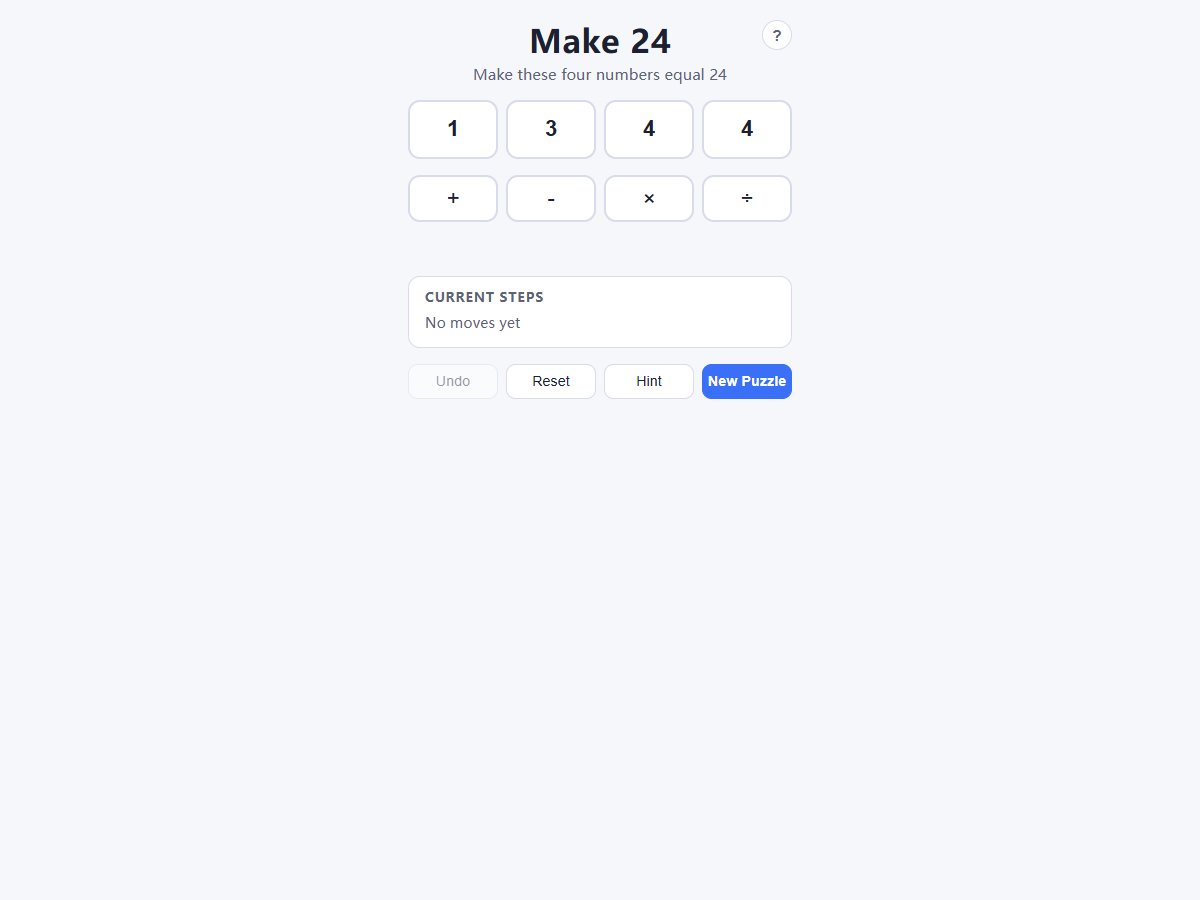
Every move follows the same three-tap pattern: select one number tile, choose an operator (+, −, ×, ÷), then select a second tile. The two tiles merge into a single new tile carrying the result, and the Current steps list records the move. Because each move reduces the tile count by one, a solved puzzle takes exactly three merges.
A useful opening habit is to look for a pair that builds toward 24 directly, such as 8 × 3 or 6 × 4, and then check whether the two remaining tiles can produce the matching factor. Tapping the selected tile again deselects it, and tapping a different tile switches your selection, so exploring an idea costs nothing until you commit the second tile.
Use division and exact fraction intermediates
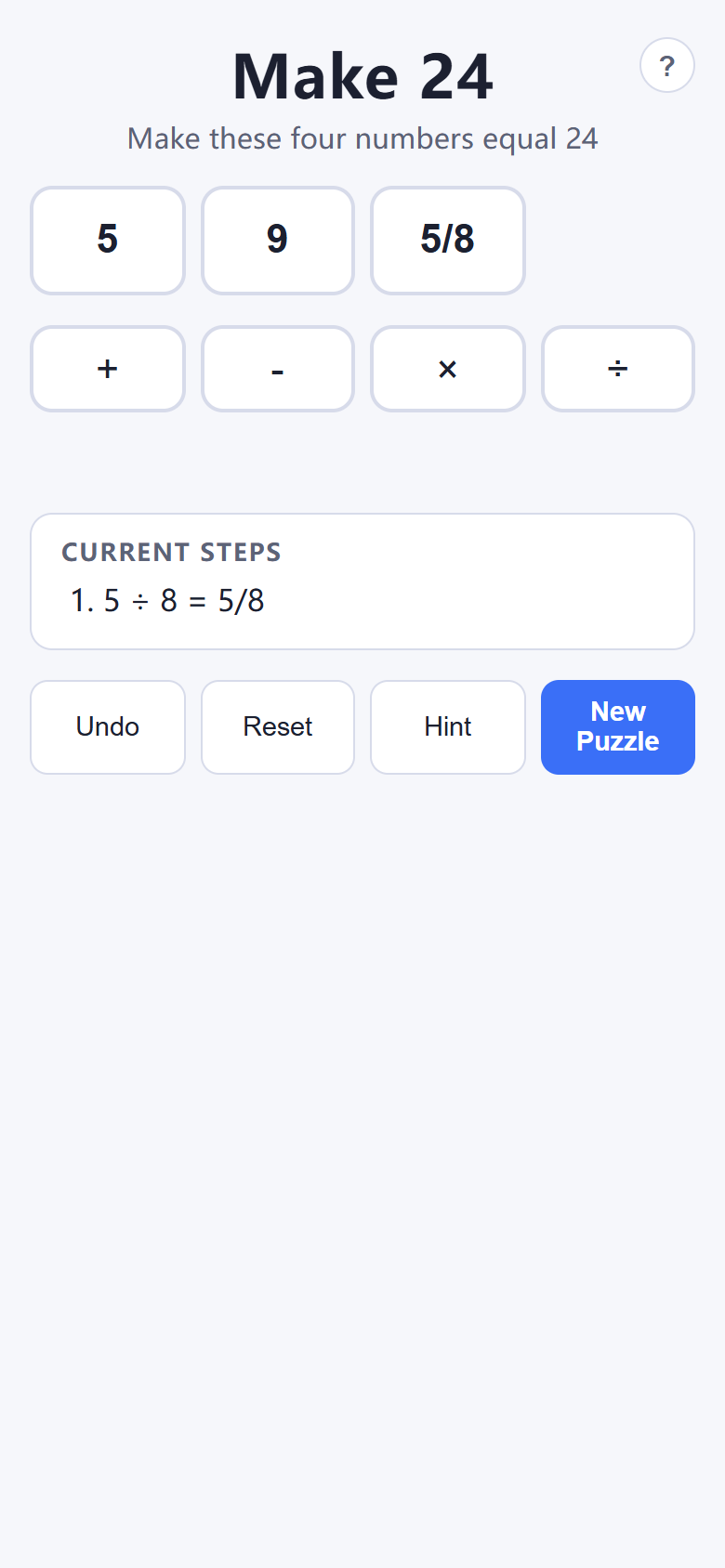
Division in Make 24 is exact. When a division does not come out even, the result is stored and displayed as a fraction like 5/8, and later moves can combine that fraction with other tiles without any rounding. Division by zero is rejected with an error message, and negative intermediate values are allowed.
Fractions are not a curiosity—they unlock the hardest deals. The classic puzzle 3, 3, 8, 8 is only solvable through fractional intermediates: 8 ÷ 3 = 8/3, then 3 − 8/3 = 1/3, then 8 ÷ 1/3 = 24. When integer-only attempts keep failing, deliberately divide two tiles that do not divide evenly and see whether the resulting fraction combines cleanly with what remains.
Work with Undo, Reset, and the three-level Hint
Undo takes back exactly one merge, which makes it cheap to test a branch and back out. Reset restores the current deal to its original four tiles, clearing every move. Both are always available, including from the end-of-round dialogs, so you never lose a puzzle by experimenting.
Hint escalates in three stages rather than giving the answer outright. The first tap highlights which two tiles a solution combines first, the second names the operator to use on them, and the third lays out the complete step list. If you only want a nudge, stop after the first or second stage and finish the puzzle yourself; reserve the third stage for deals where you want to study the full technique, especially fraction-based solutions.
Recognize a dead end early
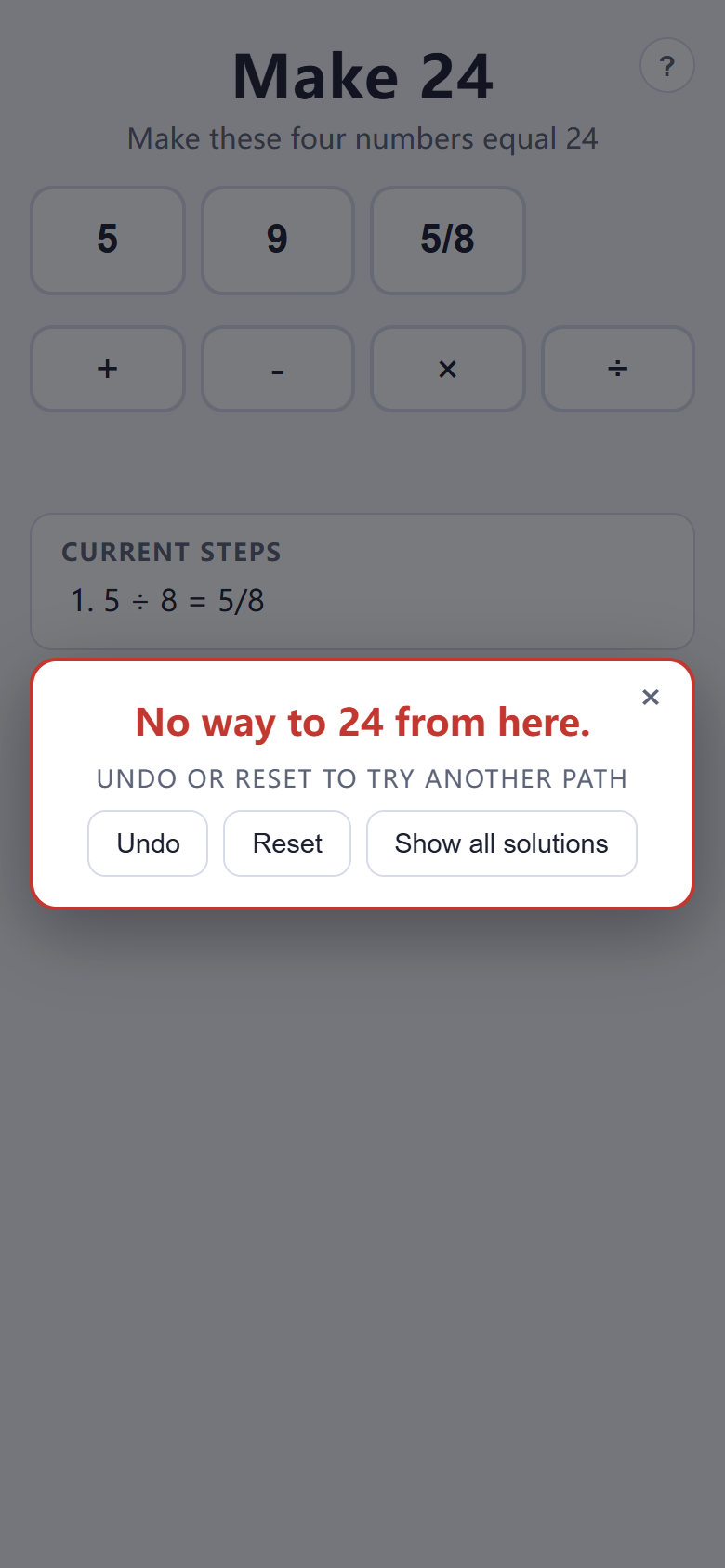
Some merges leave a set of tiles from which 24 can no longer be reached. Make 24 detects this immediately and shows a dialog reading “No way to 24 from here”, offering Undo and Reset so you can try another path, plus Show all solutions if you want to see what you missed. Treat the dialog as information, not failure: it confirms the deal itself was solvable and that one of your earlier merges closed the door.
When a dead end appears, undo to the branch point and change the earliest move you were unsure about rather than the latest one. Two different first merges often lead to completely different solution families, and the step list makes it easy to compare where the paths diverged.
Win, review every solution, and deal a New Puzzle
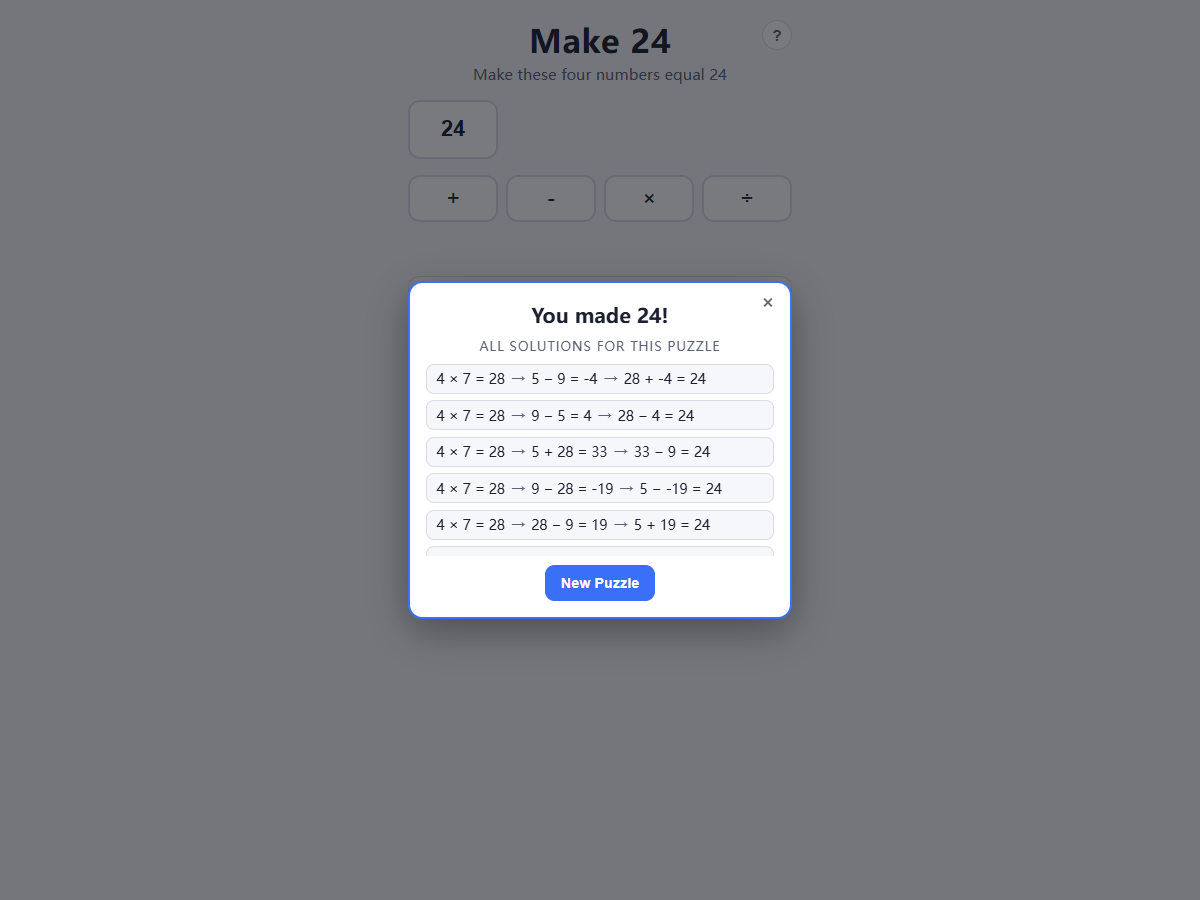
When your final merge lands on exactly 24, a “You made 24!” dialog celebrates the win and lists every distinct solution the puzzle has—often several, and frequently including fraction-based paths you did not find. Reading the full list after a win is the fastest way to learn new patterns for future deals.
Choose New Puzzle, either from the control row or the dialog, to deal the next verified-solvable puzzle from the 404-deal pool. Since there is no account, timer, or saved state, sessions are naturally pick-up-and-play: solve one deal or ten, and closing the page simply ends the visit.
Quick tips
- Every move is tile, operator, tile—tapping the selected tile or operator again cancels the selection.
- If integer merges stall, divide two tiles that do not divide evenly; exact fractions like 8/3 are often the only way through.
- Stop after the first or second Hint stage when you want practice, and use the third stage to study full solutions.
- A dead-end dialog means an earlier merge closed every path—undo to the branch point instead of resetting blindly.