Kingdom Merge 2048 · 3 min read
Kingdom Merge 2048 Guide: Build a Castle Without Filling the Board
Kingdom Merge 2048 turns classic number merging into a small fantasy kingdom. Slide the whole 4×4 board, combine identical buildings and discover larger settlements. Unlike a city simulator, the buildings do not produce resources or charge rent: the central challenge is preserving enough space for the next merge.
Play Kingdom Merge 2048How buildings grow from seedlings to a kingdom
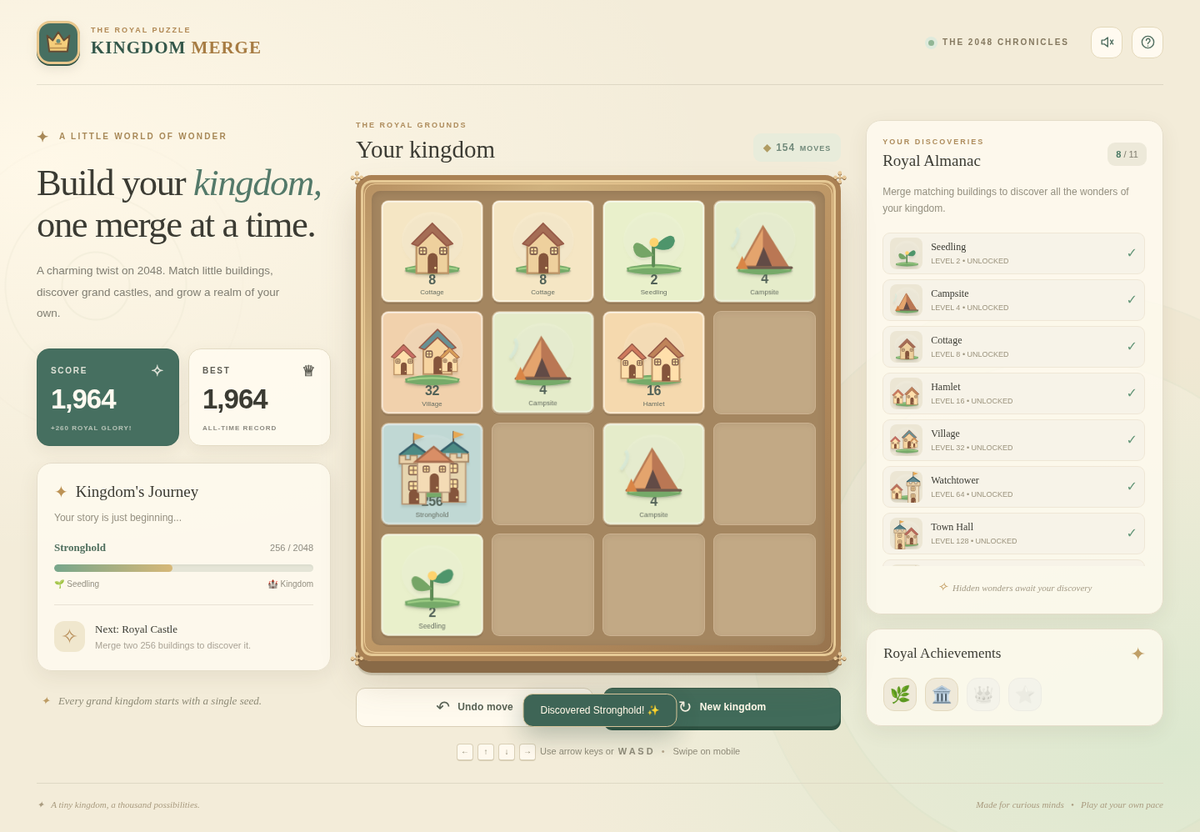
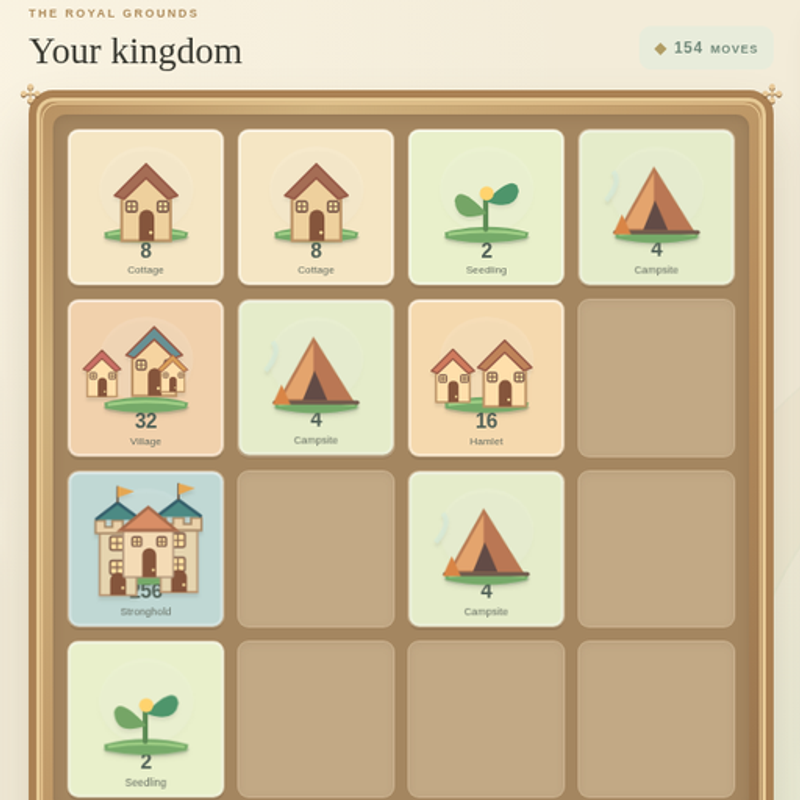
Every occupied tile has a value. Two matching values join into the next value: 2 and 2 become 4; two 4s become an 8. The buildings change visually as their values grow, from seedlings and campsites to cottages, hamlets, watchtowers and larger fantasy structures.
Every move slides all buildings in one direction. A newly merged tile cannot merge again in the same move, and a fresh 2 or 4 appears only after a move that actually changes the board. Your goal is the Eternal Kingdom at 2048, but you can keep building after reaching it.
Choose a direction before moving
Use an arrow key or WASD on a keyboard. The entire board slides at once, so a promising merge may also shift buildings in other rows. Swiping works in Chrome touch emulation, but the library does not yet claim verified physical mobile support.
Undo takes back the last accepted move. It is especially useful after a slide fills a lane or separates two matching buildings. The current board and best score are saved locally when browser storage is available.
- Inspect which equal values can approach each other.
- Slide once, then locate the new tile before planning again.
- Use Undo if the move traps an important pair.
Keep your biggest castle near a corner
Use one corner as an anchor for your largest building and feed smaller buildings along the adjacent edges. Keeping the board orderly usually provides more possible merges than spreading your biggest values across all four corners.
Do not follow the same direction blindly. Some turns require shifting the whole row so an important pair can meet. The principle is to preserve at least one escape lane for the next spawned seedling.
Discover buildings and begin another kingdom
As you create new building values, the almanac records them. The achievement badges mark milestones; they are not purchases or resource boosts. Progress to 2048 is a strategic puzzle goal rather than a timed city-building objective.
When no empty cell remains and there are no adjacent matching values, the round ends. Begin a new kingdom to try again. Your highest score and building discoveries remain on this browser if local storage is available.
Quick tips
- Save a lane beside the two largest buildings so smaller matches can reach them.
- Use Undo to learn how a promising move changes the entire board.
- Do not fill the last empty cells unless the slide immediately creates a useful merge.