Gomoku
Run complete
Gomoku result
Highlights
Gameplay started.
Use keyboard and mouse controls on desktop or touch on mobile.
Gomoku · Same-seed comparison
Compare both runs
View full run details
Reference run
Highlights
Your run
Highlights
This is a factual comparison with an anonymous, client-submitted snapshot. It is not a verified score or global ranking.
How to play
How to play Gomoku
Controls
- Choose 2 Players or an AI difficulty, then click or tap an empty board intersection to place your stone.
- Use the menu controls to restart the board or switch between local two-player and Easy, Medium, or Hard AI.
Goal
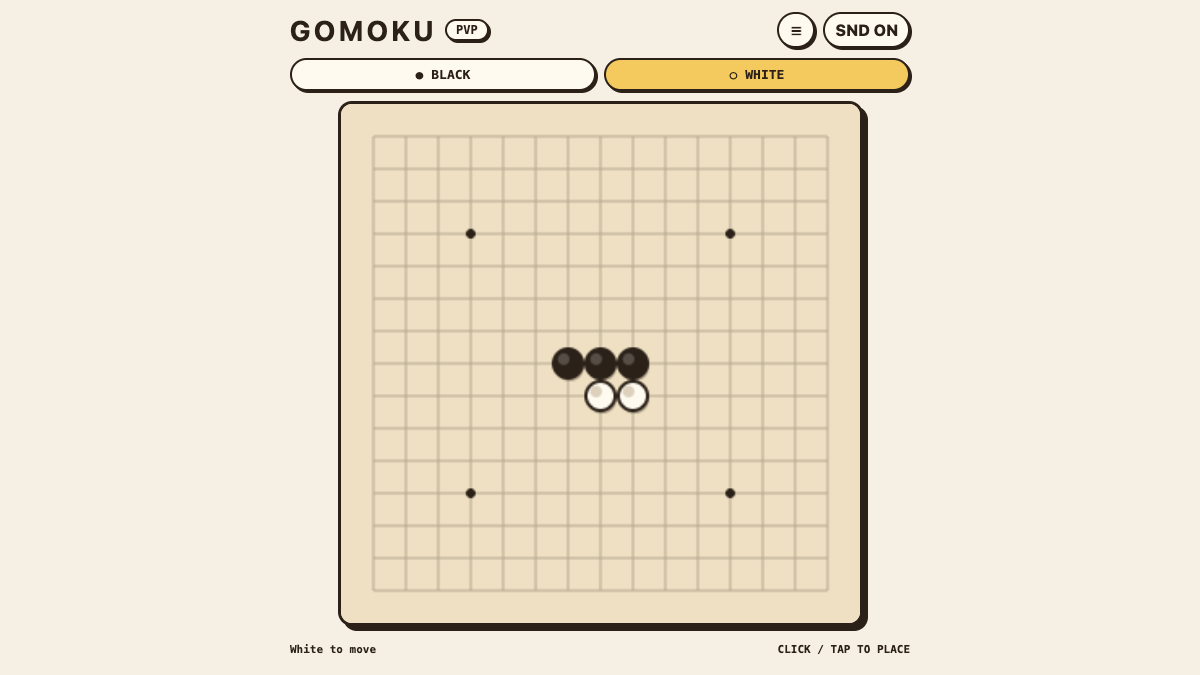
Place stones on empty intersections and make five or more of your stones in an unbroken horizontal, vertical, or diagonal line before your opponent.
About
About Gomoku
A 15×15 Freestyle Gomoku board with local two-player play and three computer difficulty levels.
Play better
Quick tips
First move
Start near the center so your next stones have room to extend in several directions.
Practical tip
Watch both ends of every developing line; a move that extends your own threat can also block an opponent at the same time.
Game info
Game details
- Genre
- card-board
- Session
- short
- Play on
- desktop, mobile
- Controls
- keyboard, mouse, touch
QuestHub review
Checked before listing
Source, license, build, and device checks are recorded for this game.
- Source
- License
- Build
- Desktop
- Mobile
Verification & source detailsPlay-test notes, browser checks, source and license
Play-test note
Chrome 153 Preview checks covered local two-player play, Easy and Hard AI using the reviewed Web Worker path, Bridge v2, touch input, 390×844 portrait and 844×390 landscape layouts, strict per-game CSP, and zero external requests.
QuestHub checks
- Source recorded
- License reviewed
- Build verified
- Network reviewed
- Desktop tested
- Mobile tested
- Last checked
- 2026-09-19
- Browser
- Google Chrome
- Play on
- desktop, mobile
- Controls
- keyboard, mouse, touch
These checks describe the recorded build on the date above. Browser, device, or upstream changes can affect later behavior.
Source & license
- Original creator
- See upstream source
- Source repository
- https://github.com/Minjia-Hu/retro-arcade
- Pinned revision
c2290c63c3a27159bffbbf6f6f7b71c19779556e- Code license
- MIT
- Attribution required
- Yes
- Attribution
- See upstream source
- Asset review
- verified
- QuestHub changes
- Not listed in the current catalog
These technical details come from the pinned source snapshot used for this QuestHub build.
Keep playing
More like this
Games with similar genre, controls, session style, or mechanics.