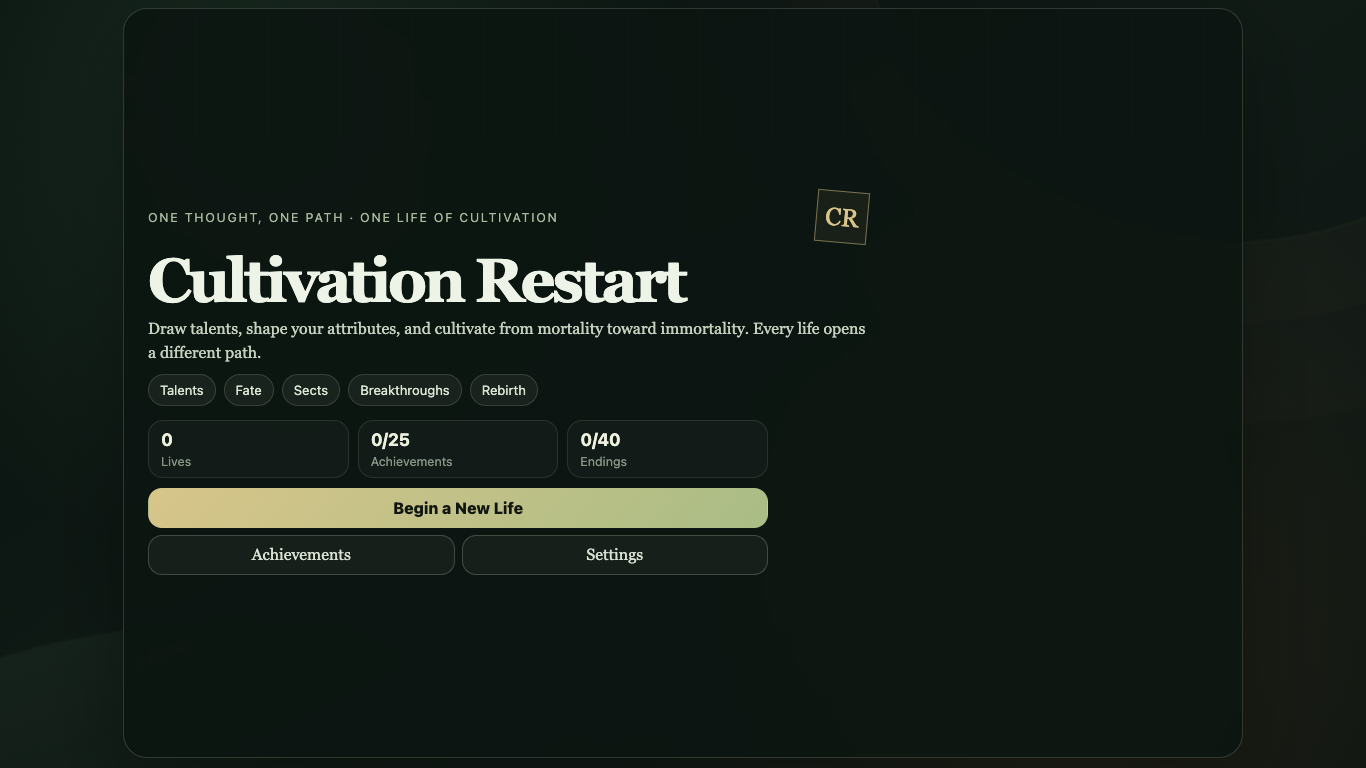
Cultivation Restart
Run complete
Cultivation Restart result
Highlights
Gameplay started.
Use mouse controls on desktop or touch on mobile.
Cultivation Restart · Same-seed comparison
Compare both runs
View full run details
Reference run
Highlights
Your run
Highlights
This is a factual comparison with an anonymous, client-submitted snapshot. It is not a verified score or global ranking.
How to play
How to play Cultivation Restart
Controls
- Click or tap talent cards, attribute controls, event choices, and the main advance action. The interface is designed for both desktop and touch input.
- Use the settings and achievement views between runs as needed; the current run, settings, and achievement progress are stored locally in the browser.
Goal
Choose three talents, distribute your starting points, then advance through the life while making event choices and trying different paths toward higher realms, achievements, and endings.
About
About Cultivation Restart
A short-run text simulation about restarting a cultivation life. Each seed combines talents, starting attributes, choices, event chains, realm progression, resources, achievements, and one of many endings.
Play better
Quick tips
First move
Start a new life, choose three of the offered talents, then distribute all available points across the five starting attributes before entering the first year.
Practical tip
Treat early runs as experiments. A strong-looking talent does not guarantee a high realm because later conditions, event chains, resources, choices, and random outcomes all interact.
Game info
Game details
- Genre
- simulation
- Session
- short
- Play on
- desktop, mobile
- Controls
- mouse, touch
QuestHub review
Checked before listing
Source, license, build, and device checks are recorded for this game.
- Source
- License
- Build
- Desktop
- Mobile
Verification & source detailsPlay-test notes, browser checks, source and license
Play-test note
Chrome 152 production and Preview checks covered complete runs, Bridge v2, local persistence, deterministic active-run resume, portrait and landscape emulation, strict CSP, and PNG result-card download inside the reviewed allow-downloads sandbox. Edge, Firefox, Safari, and physical mobile devices remain unverified.
QuestHub checks
- Source recorded
- License reviewed
- Build verified
- Network reviewed
- Desktop tested
- Mobile tested
- Last checked
- 2026-09-12
- Browser
- Google Chrome
- Play on
- desktop, mobile
- Controls
- mouse, touch
These checks describe the recorded build on the date above. Browser, device, or upstream changes can affect later behavior.
Source & license
- Original creator
- See upstream source
- Source repository
- https://github.com/oyjq0000/web-game-library
- Pinned revision
4a0300735a30812e670786417ad65c0620e0d941- Code license
- LicenseRef-Owner-Authorized
- Attribution required
- No
- Attribution
- Recorded in the source snapshot
- Asset review
- verified
- QuestHub changes
- Not listed in the current catalog
These technical details come from the pinned source snapshot used for this QuestHub build.
Keep playing
More like this
Games with similar genre, controls, session style, or mechanics.