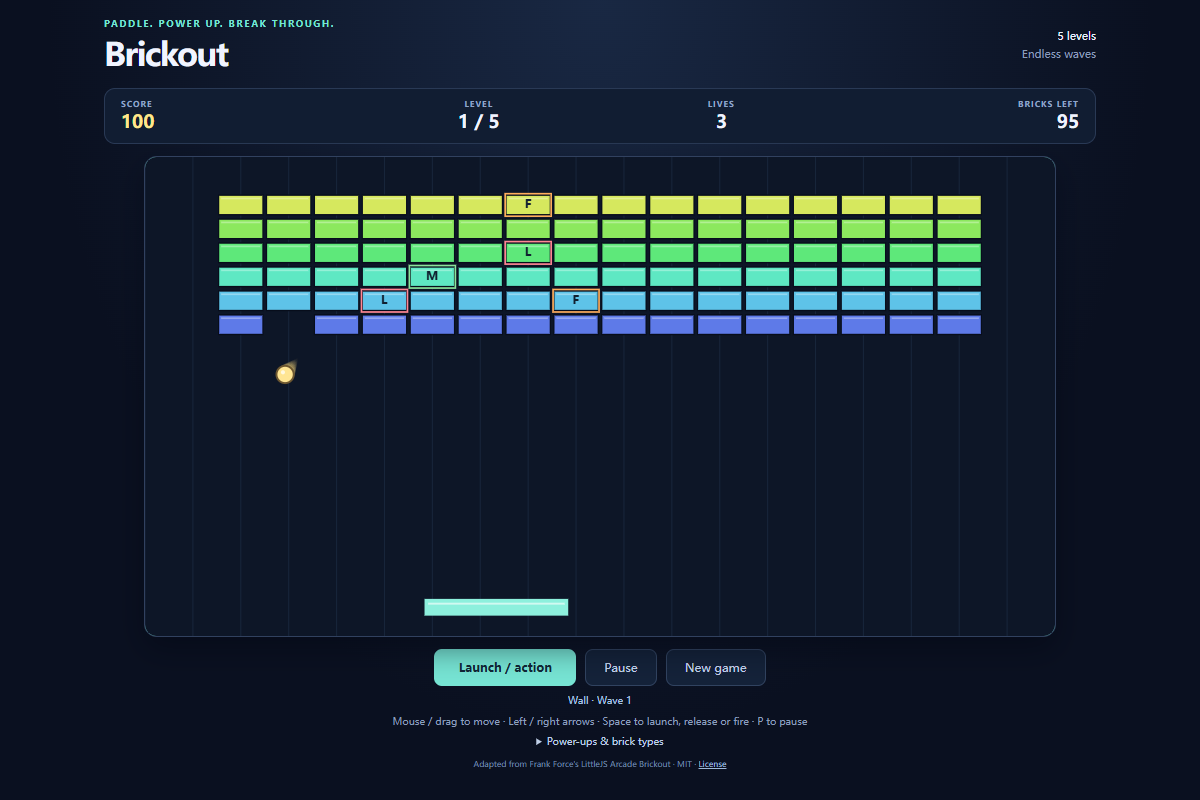
Brickout
Run complete
Brickout result
Highlights
Gameplay started.
Use keyboard and mouse controls on desktop or touch on mobile.
Brickout · Same-seed comparison
Compare both runs
View full run details
Reference run
Highlights
Your run
Highlights
This is a factual comparison with an anonymous, client-submitted snapshot. It is not a verified score or global ranking.
How to play
How to play Brickout
Controls
- Move the mouse or use Left and Right Arrow to guide the paddle. Click the playfield, press Space, or choose Launch ball to serve; the same action releases sticky balls or fires an active laser.
- On touch screens, drag to move the paddle and use the launch button. Use Pause or P to stop the rally and New game for a fresh three-life run.
Goal
Clear every breakable brick to reach the next formation. Complete five formations to begin a faster wave, and keep at least one ball in play to protect your lives.
About
About Brickout
A paddle-and-ball arcade game where rebounds clear brick formations and falling power-ups change the next rally.
Play better
Quick tips
First move
Center the paddle under the waiting ball, launch it, and follow its downward path before chasing the first power-up.
Practical tip
Catching the ball matters more than catching a power-up. The point where the ball strikes the paddle changes its rebound direction.
Game info
Game details
- Genre
- arcade
- Session
- short
- Play on
- desktop, mobile
- Controls
- keyboard, mouse, touch
QuestHub review
Checked before listing
Source, license, build, and device checks are recorded for this game.
- Source
- License
- Build
- Desktop
- Mobile
Verification & source detailsPlay-test notes, browser checks, source and license
Play-test note
Chrome 154 real-time checks covered mouse and keyboard controls, launching, pause, restart, and touch dragging in Pixel 7 emulation. A separate campaign cleared all five formations into wave 2 with actual mouse input under a controlled browser clock. Physical mobile devices and other browser engines are not certified.
QuestHub checks
- Source recorded
- License reviewed
- Build verified
- Network reviewed
- Desktop tested
- Mobile tested
- Last checked
- 2026-10-04
- Browser
- Google Chrome
- Play on
- desktop, mobile
- Controls
- keyboard, mouse, touch
These checks describe the recorded build on the date above. Browser, device, or upstream changes can affect later behavior.
Source & license
- Original creator
- See upstream source
- Source repository
- https://github.com/KilledByAPixel/LittleJSArcade
- Pinned revision
ea73cf7357854c913798390603045fdcb1f472e7- Code license
- MIT
- Attribution required
- Yes
- Attribution
- Recorded in the source snapshot
- Asset review
- verified
- QuestHub changes
- Not listed in the current catalog
These technical details come from the pinned source snapshot used for this QuestHub build.
Keep playing
More like this
Games with similar genre, controls, session style, or mechanics.